Before buying another appliance for a bedroom that feels uncomfortable, it can be useful to observe temperature and humidity. The TempPro TP50 is a simple local display for that job. It can help you record what is happening near its sensor, but it cannot diagnose a building problem or change the room conditions by itself.
This is a research-based review of the linked product, not a hands-on test. Product photographs come from its Amazon listing. Price, seller, stock and selected options can change.
What question should the TP50 answer?
A useful starting question is specific: how do the readings in this bedroom differ between morning and evening, or before and after a change in the normal room routine? That is an observation task. A simple display can contribute to it without requiring a phone account or an elaborate smart-home system.
A less useful expectation is that one number will explain every reason the room feels uncomfortable. Temperature, humidity, airflow, sunlight and personal preference are different factors. The TP50 observes two variables near the unit. It does not provide a complete assessment of the room or the building.
The current product name and basic features
The linked Amazon listing now uses TempPro for the TP50; older references may say ThermoPro. Confirm the model and the classic version rather than assuming every item grouped on the page has the same connectivity or display functions.
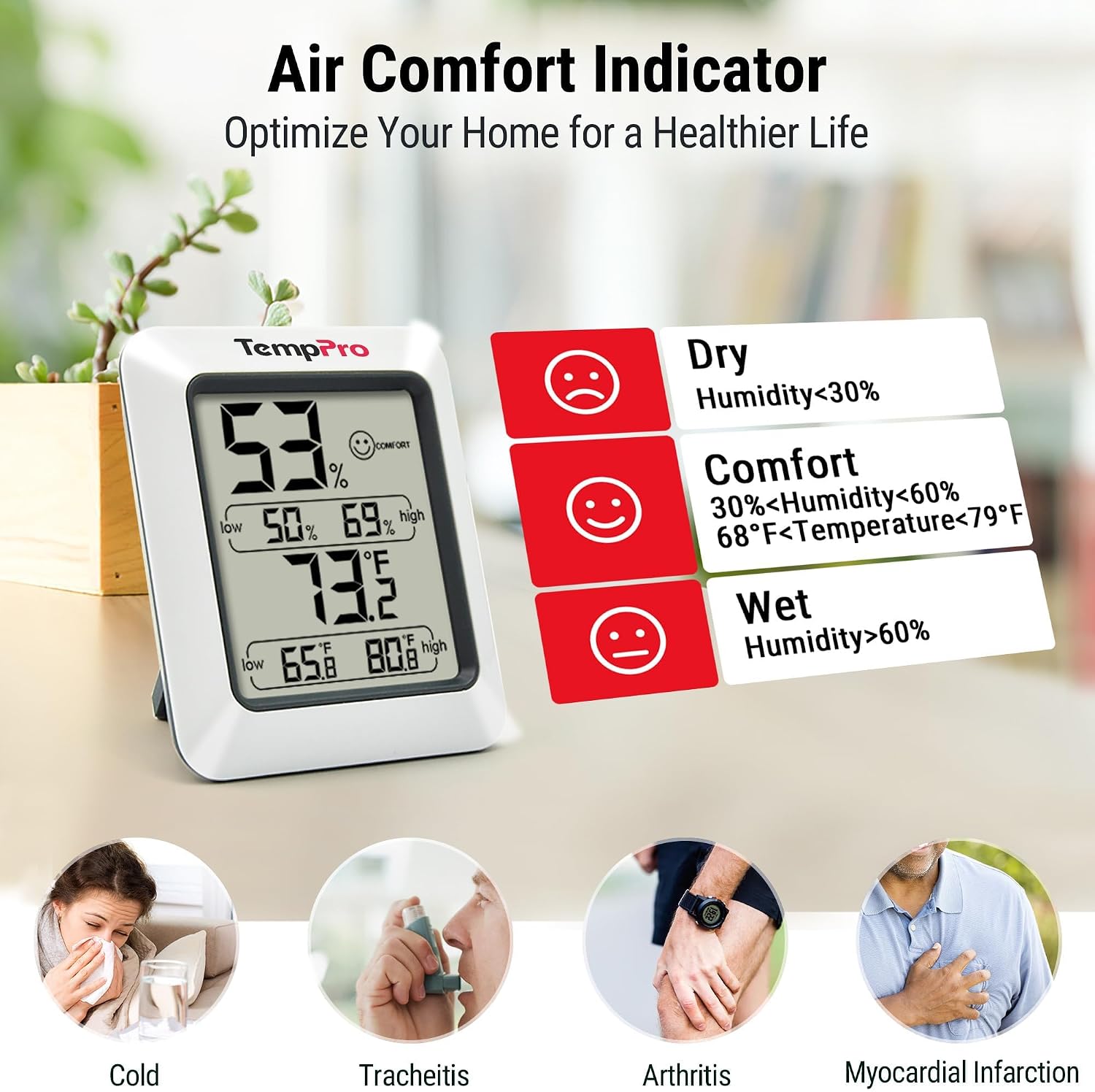
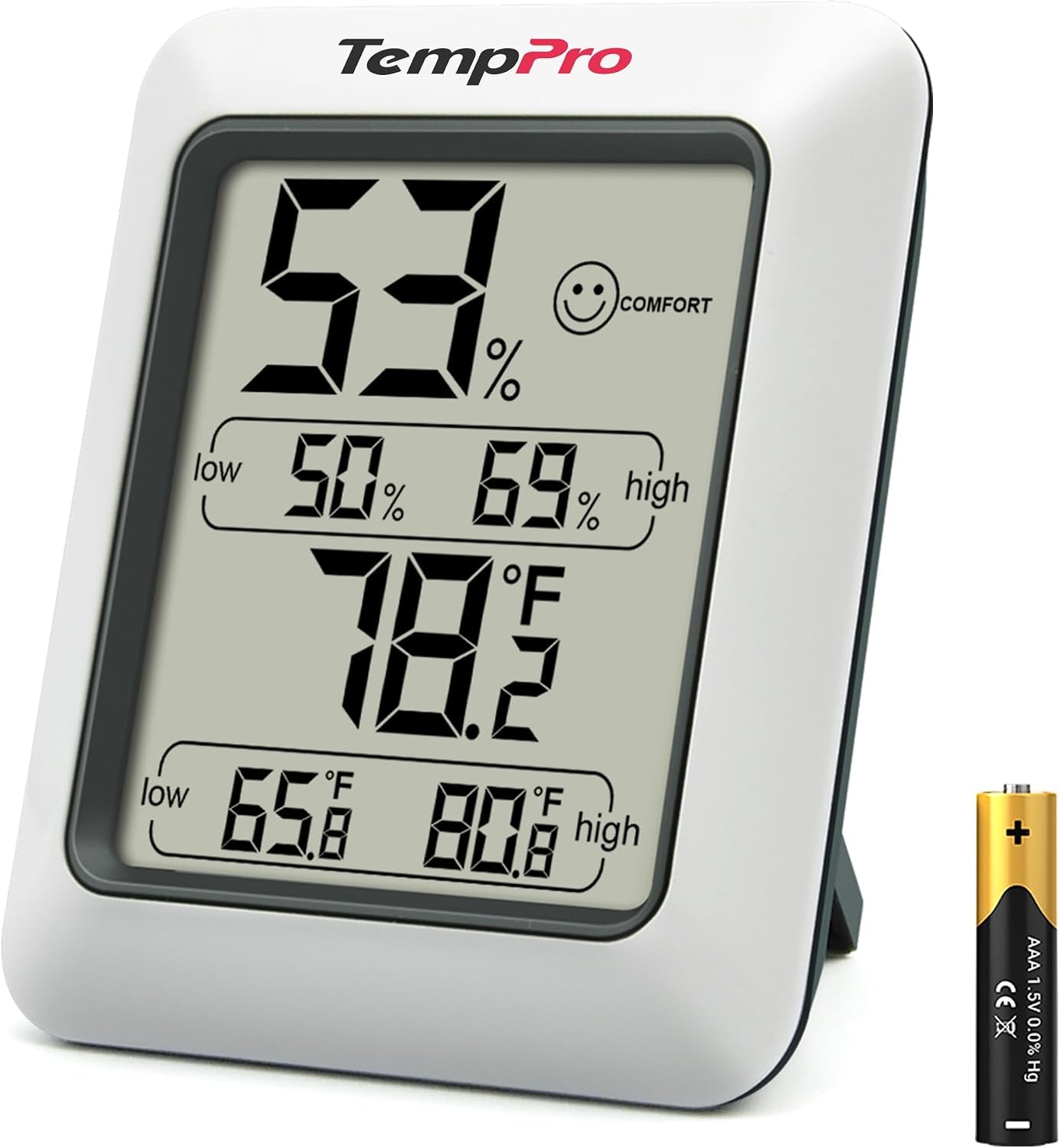
The listing describes temperature and relative-humidity readings, high and low records, a comfort indicator, a tabletop stand and a magnetic back. It lists one included AAA battery. These are the features behind our recommendation for a basic local check.
We have not calibrated a sample or tested it against a reference instrument. The manufacturer’s accuracy and update figures are specifications, not measurements produced by Small Home Rhythm. This distinction is especially important for a product whose main purpose is measurement.
Placement matters more than a dramatic first reading
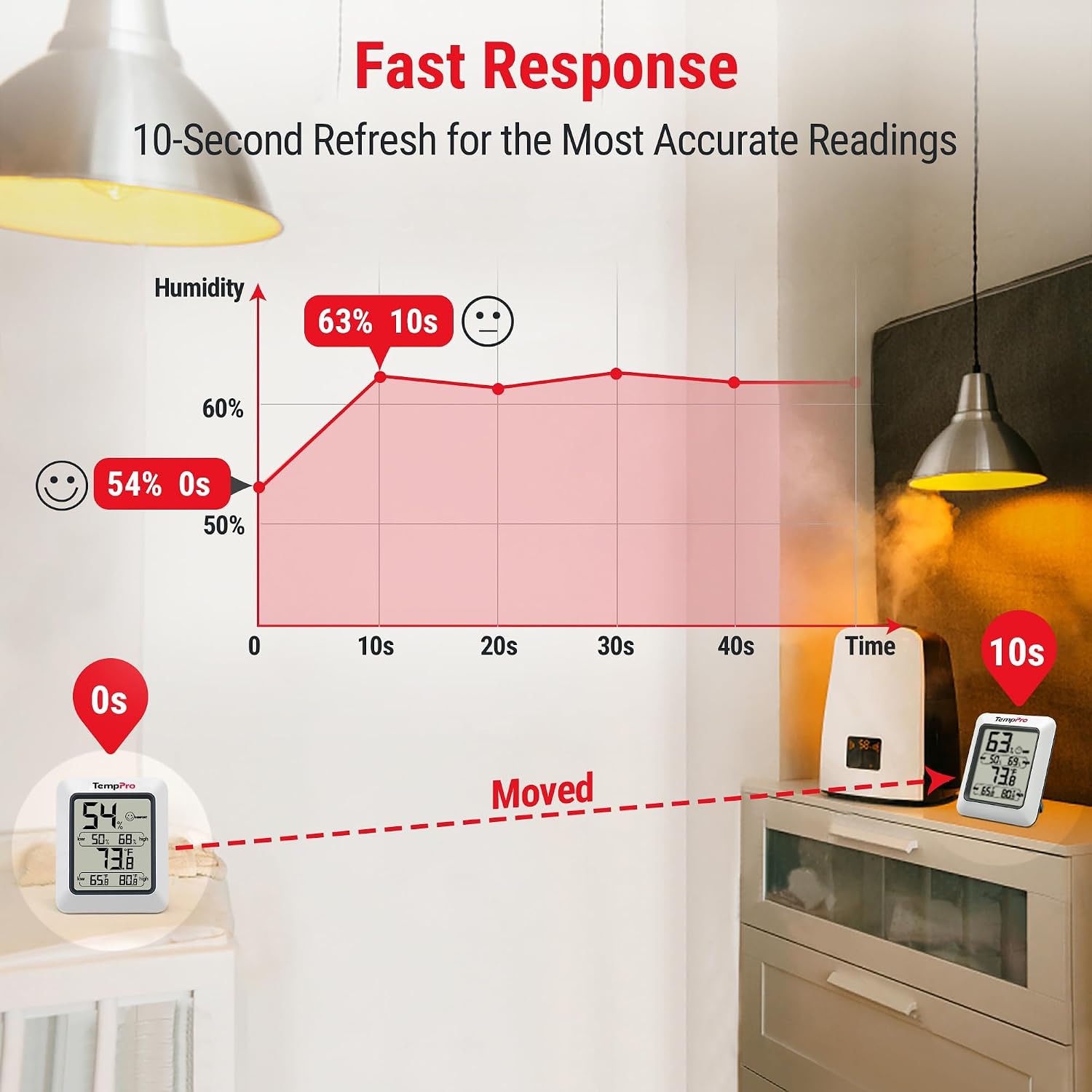
Choose a location that represents the area you want to observe. A unit pressed into a corner beside a source of heat or moisture may tell you more about that local spot than about where you sleep. Avoid changing its position repeatedly while trying to compare results.
The magnetic back is convenient only when the metal surface is also a sensible observation location. Do not choose a position solely because the magnet sticks there. A stand on a stable shelf may suit your purpose better.
After moving the device, allow the reading to settle according to the instructions before treating it as a comparison. Write down the location along with the value. A number without context becomes much less useful when you later try to remember what changed. For the broader setup, Glocusent Neck Reading Light Review: Bedtime Reading Without Another Lamp Base is a useful next read.
Treat the comfort icon as a shortcut, not a verdict
A simple dry, comfortable or wet indicator can make the display quick to scan. It cannot know your preferences, the needs of every object in the room or whether there is a hidden moisture source. Do not let the icon replace attention to actual conditions.
Similarly, a reading that looks ordinary does not prove that every part of the room has identical conditions. A sensor on one shelf is not a survey of walls, windows, closets and bedding. If there is a visible or recurring building problem, investigate that problem directly rather than waiting for the display to validate it.
This review does not provide a medical target or claim that owning a hygrometer improves health. The product’s defensible role is observation. Decisions with health or building-safety consequences need more context than a single consumer display.
Use high and low records carefully
High and low values can show that the current reading is not the whole story. However, an extreme alone does not tell you exactly when it occurred or what caused it. Check the supplied instructions for how the records are retained and reset on your unit.
For a simple bedroom comparison, establish a consistent observation period and record the values at the same times. Note obvious changes such as moving the device, opening the room to another area or using an appliance. That makes your notes interpretable later.
Do not confuse these stored extremes with a time-stamped history chart. If you need to know how long a condition lasted overnight, a device with appropriate logging may be the better category. The TP50’s simplicity is an advantage only when it matches the detail you need.
Small differences do not always justify action
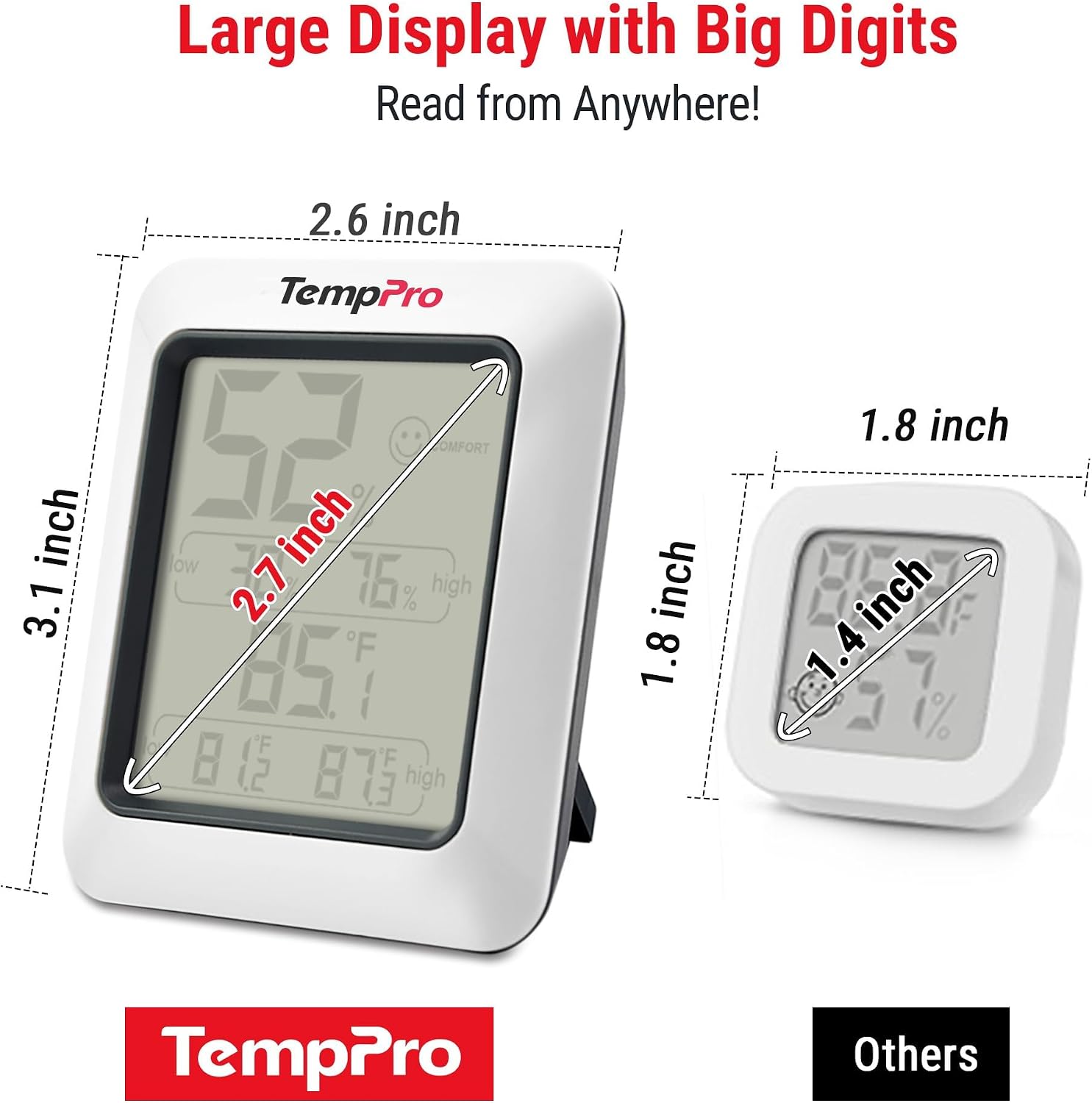
A consumer sensor has measurement uncertainty, and two devices placed apart may also be observing different conditions. A small disagreement is not automatically evidence that one has failed. Before drawing a conclusion, consider placement, settling time and the specifications of both units.
The official product information gives humidity accuracy as approximately two to three percentage points of relative humidity and temperature accuracy as about one degree Fahrenheit. We have not independently verified those figures. They are a reason to avoid treating every tiny display change as a major event.
If a decision depends on unusually precise measurements, choose an instrument and verification method appropriate to that requirement. A low-cost household display should not be promoted into a laboratory reference simply because it presents a precise-looking number.
A practical one-week observation routine
Pick one stable location and two convenient check-in times that fit your day. Record the displayed values and a brief note about the room. The purpose is to identify a pattern worth investigating, not to collect a large spreadsheet that you never use.
If you change something, make the change deliberate and describe it in your notes. Changing several factors at once makes it hard to connect the resulting readings to a particular action. Keep the routine modest enough that you can repeat it consistently.
This is an example of how to use a local display, not a claim that the TP50 has automated logging. The notes would be yours. If manual checks are unrealistic, a connected device with suitable history and notification functions may be worth its additional setup.
How it differs from a humidifier or air purifier
The TP50 does not add moisture, remove moisture, circulate air or filter particles. It is a monitor. If you already know you need a particular appliance, the display may help with observation but does not replace the appliance’s own controls or instructions.
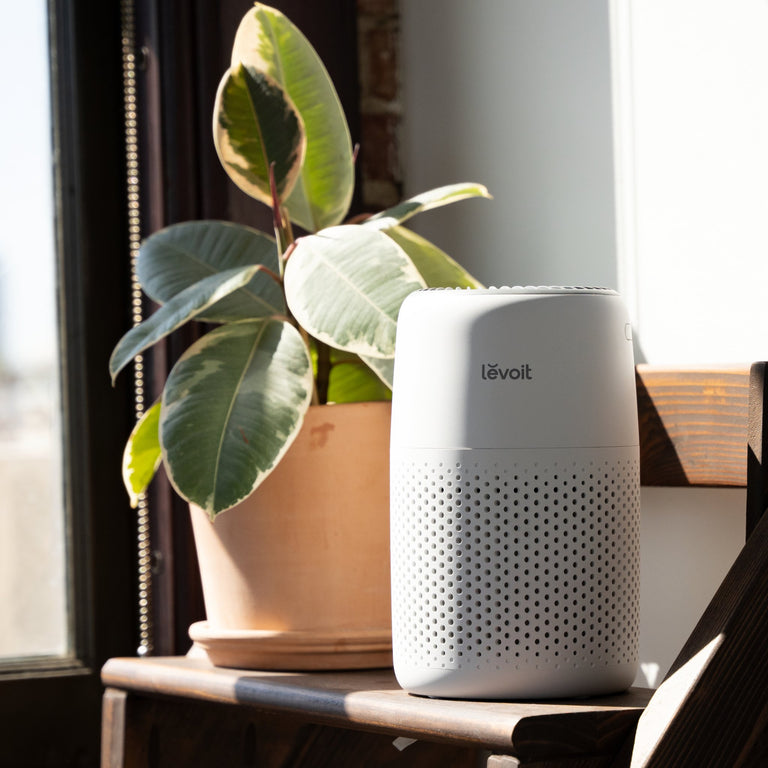
An air purifier addresses a different task from a humidity meter. Buying one because the other shows an unwanted reading can be a category mistake. Start by naming the problem you are trying to solve rather than collecting devices marketed under the broad heading of home comfort.
A connected monitor is another alternative. Its benefit may be remote visibility, alerts or recorded history, depending on the exact model. Those features bring their own account, network and battery considerations. Choose them because you need the functions, not because a basic display seems insufficiently smart.
The everyday ownership check
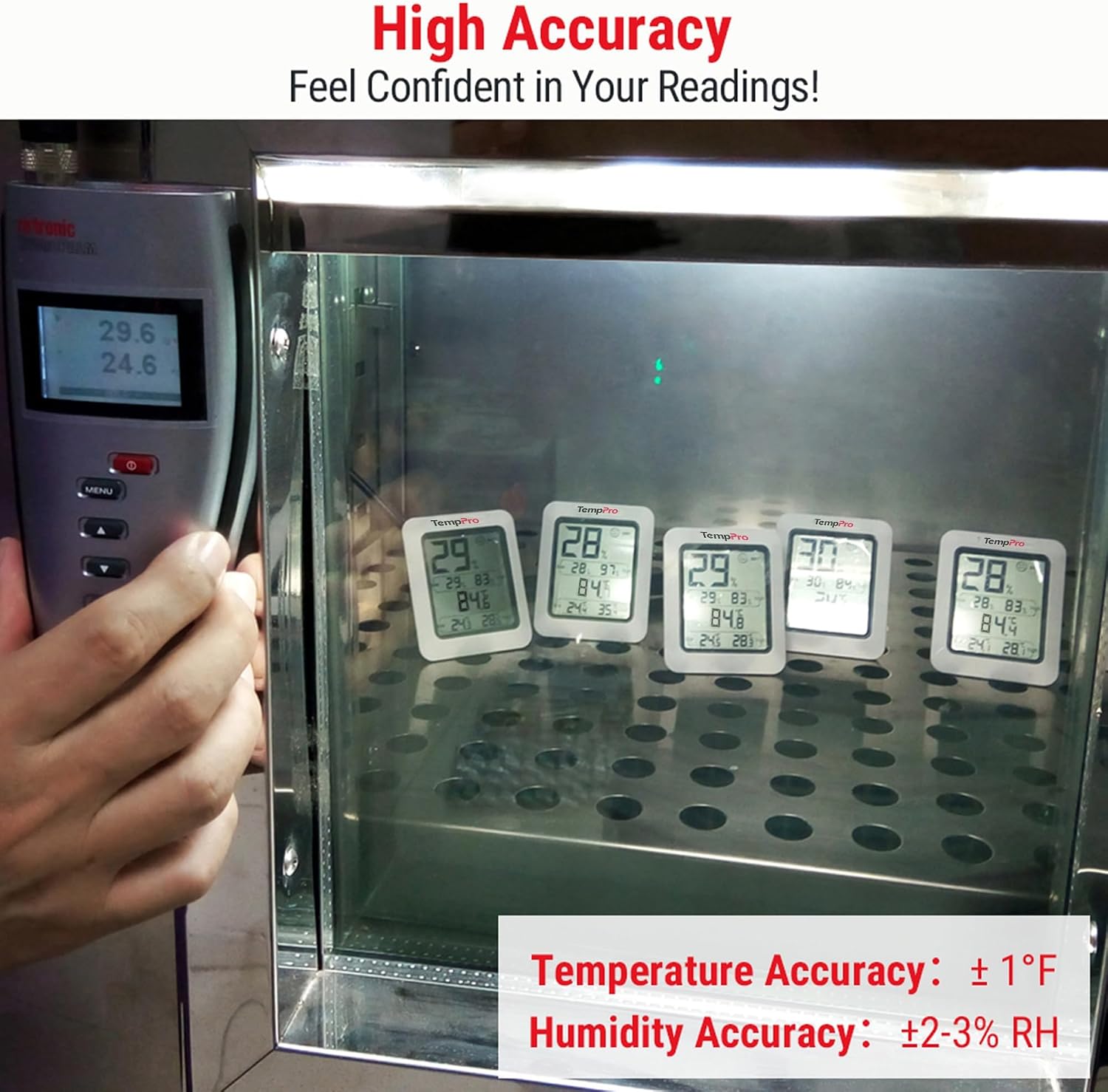
Make sure the display is readable from the place you will actually look at it. A device can be compact and clear in your hand yet inconvenient on a high shelf. We have not measured viewing angle, low-light readability or battery life, so these remain practical checks for the buyer.
Keep the sensor unobstructed and follow the supplied care instructions. If readings become implausible, check the basics and consult the manufacturer’s guidance rather than repeatedly changing room equipment in response to a questionable value.
The TP50 is most persuasive when it replaces guessing with a small, repeatable observation habit. It is less persuasive when you expect alarms, detailed overnight history or automatic environmental control. Keep the purchase tied to that distinction and the basic format can be an advantage.
Choose by the job, not the product count
| Your situation | Better starting point | Reason |
|---|---|---|
| Glance at local bedroom conditions | TP50 classic display | Low-complexity observation |
| Need remote alerts or overnight charts | Appropriate connected logger | Adds functions the basic display does not provide |
| Need to change room humidity | Appropriate room intervention | A monitor only observes |
Amazon product and current listing
Check TempPro TP50 Digital Hygrometer and Thermometer on Amazon. Confirm the exact variant, seller, delivered price and return terms before ordering. This link identifies ASIN B01H1R0K68; it does not guarantee an offer is currently available.
Our buying decision
The TP50 is a sensible basic observation tool for a bedroom when you want a glanceable display rather than an app. Its readings need context and consistent placement. Buy a different device if remote alerts or detailed history are central to the job.
Continue with Bedroom ideas and our Buying Guides. For the surrounding routine, read Best Compact Air Purifiers for a Small Bedroom: Core Mini-P vs. Core 200S-P vs. Blue Pure 511i Max.
Sources and review scope
We checked the specific Amazon listing for product identity and listed features. The room scenarios and purchase comparisons above are editorial analysis. We have not measured performance, lifespan or long-term durability. Additional reference: TempPro TP50 product information.
Sources
- Amazon product listing — https://www.amazon.com/dp/B01H1R0K68
- TempPro TP50 product information — https://temppro.com/products/tp50-digital-indoor-hygrometer-thermometer