The Logitech M185 is a compact wireless mouse built around a small USB receiver. Its appeal is an uncomplicated pointer for everyday computer work, but the receiver is also the first buying check. A laptop with only USB-C ports needs a suitable connection route; this mouse does not connect over Bluetooth.
Review scope: This is a research-based assessment of the linked product, not a hands-on test. Listed specifications are distinguished from our practical buying analysis. Offers and selected variants can change.
Start with the ports on the computer
Look at the computer you will actually use, including any hub that normally stays attached. The M185 receiver plugs into USB-A. A USB-C-only laptop may need a suitable adapter or hub, which occupies space and adds cost. Owning a wireless mouse does not mean the computer needs no physical accessory.
If the laptop travels between rooms, decide whether the connection will remain available in both places. A receiver left in a desktop hub cannot serve the laptop at the kitchen table. Bluetooth may be worth comparing when removing that dependency is more useful than keeping a familiar receiver-based setup.
A small mouse still needs a movement area
Compact refers to the mouse body, not the complete working area. Your hand needs room to move the pointer without striking a mug, the keyboard or the edge of the table. On a narrow desk, moving a full-size keyboard slightly can make a bigger difference than choosing a smaller mouse. If you are working on the same space, Logitech Pebble Keys 2 K380s Review: A Keyboard for a Shared Small Desk? covers the next decision in more detail.
Try the intended layout before buying. Leave room for the forearm and consider where a notebook sits during work. If almost no side space remains, the built-in trackpad may be the more practical input device. A mouse is helpful only when there is a comfortable place to use it.

Hand fit cannot be inferred from the product name
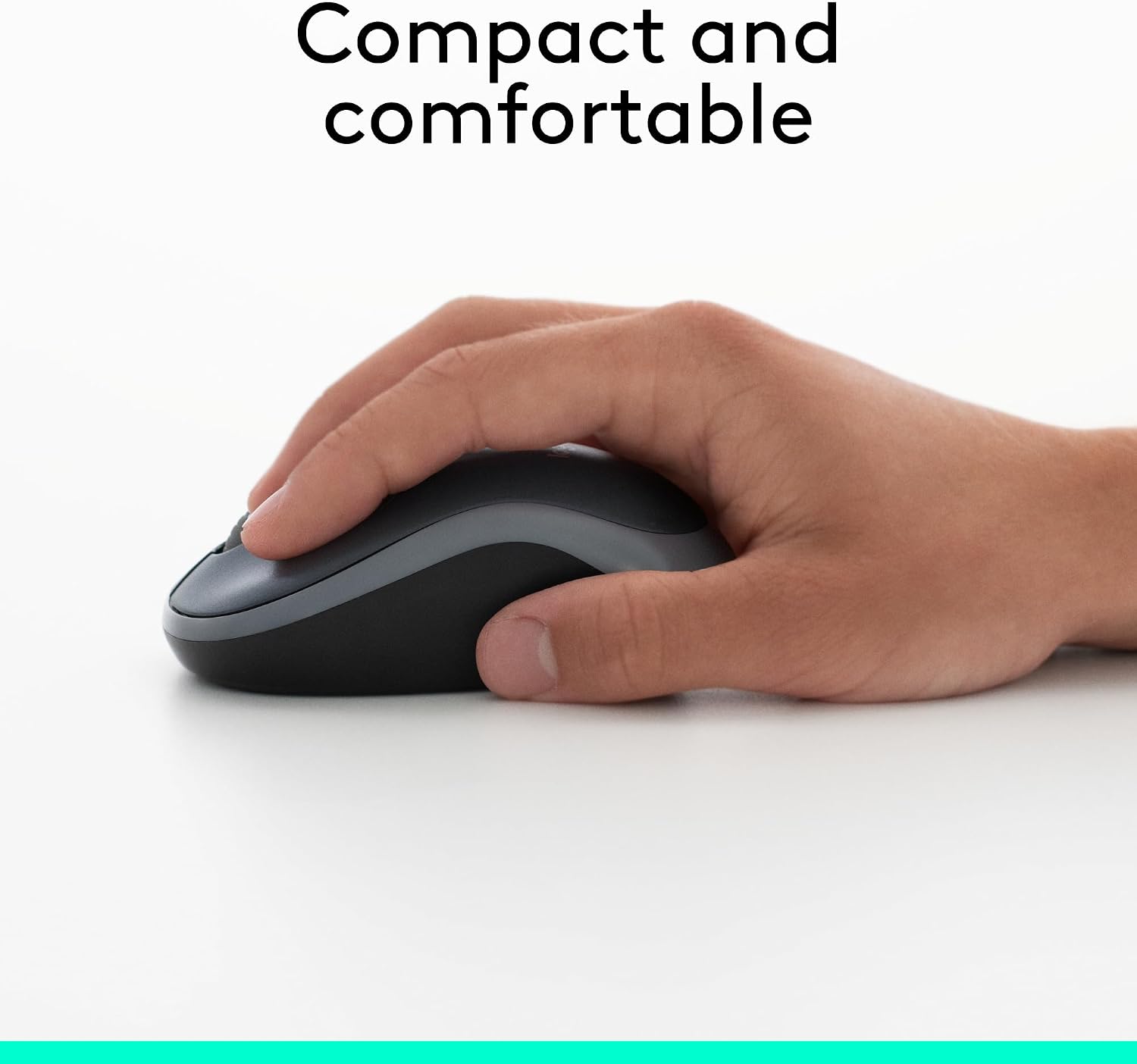
The compact, ambidextrous shape is a useful description of the design. It is not a promise that every hand can use it comfortably for a long session. Grip preferences, hand size and the surrounding desk arrangement all affect how the mouse feels.
We have not conducted comfort testing. When it arrives, assess ordinary pointing, scrolling and clicking during a normal task while the return terms still apply. If you must grip tightly or repeatedly reposition to reach the controls, consider another size or shape. Do not turn a low purchase price into a reason to tolerate a poor fit.
Simple controls can be enough for routine work
For browsing, documents and basic navigation, a conventional mouse can remove the need to learn extra controls. That is a reasonable advantage for a shared computer or occasional home workspace. It also means buyers should not assume specialist features merely because other Logitech models offer them. If you are working on the same space, Logitech C920x vs. Anker PowerConf C200 for a Shared Home-Office Desk covers the next decision in more detail.
Check a different product if your workflow depends on programmable side buttons, unusual scrolling behavior or switching between several computers. This review does not establish gaming performance, click noise or precision under specialized workloads. The right comparison is the task you need to complete, not the largest advertised feature count.

Treat the battery claim as a planning estimate
The listing describes up to a year of battery life. “Up to” is conditional, and we have not measured runtime. Actual use and operating conditions can change the replacement interval. The useful practical feature is that an AA battery can be replaced without waiting for the mouse to recharge.
Decide where a suitable spare will live if a dead battery would interrupt work. Follow the supplied battery and storage instructions, particularly if the mouse spends long periods unused. A replaceable battery reduces one type of inconvenience but creates another small supply to remember.
Make a home for the receiver
The tiny receiver is easy to overlook when packing up a shared desk. Use the product’s supplied storage arrangement where available and establish a consistent place for it when disconnected. An inexpensive mouse becomes temporarily useless if its connection accessory disappears into a drawer of unrelated adapters.
Do not assume a receiver from another Logitech product will pair with this one. Compatibility varies across product families. If replacement becomes necessary, verify the exact model and supported replacement route. Buying another random nano receiver because it looks similar is not a reliable repair plan.

Count the full cost of a clean setup
Compare the delivered mouse price together with any adapter, hub or surface you genuinely need. A receiver-based bargain can be less attractive if you are buying a hub only to connect it. Conversely, an existing hub with a free port may make the M185 a straightforward addition.
Avoid purchasing accessories in advance without a reason. Test the intended surface according to the product guidance and see whether tracking suits normal work. A tidy desk comes from a coherent arrangement, not automatically from replacing every visible cable with a collection of smaller devices.
Choose around the recurring inconvenience
If the trackpad makes long document sessions awkward and there is usable space beside the keyboard, a basic mouse is worth considering. If your frustration is losing dongles or running out of ports, this particular connection design may preserve the problem.
The M185 should earn its place through a better everyday interaction: comfortable enough for your use, reliable in the intended setup and easy to put away. We make no independent claim that it increases productivity by a particular percentage. Its buying case is specific and modest, which can be exactly right for a small home office.
Which option fits your routine?
| Situation | Starting point | Tradeoff |
|---|---|---|
| Free USB-A port and basic pointing needs | Consider M185 | Check compact hand fit |
| USB-C-only laptop and no hub | Compare complete setup costs | An adapter may remove the price advantage |
| Almost no space beside the keyboard | Try the existing trackpad | Avoid adding a movement area |
Amazon product and current listing
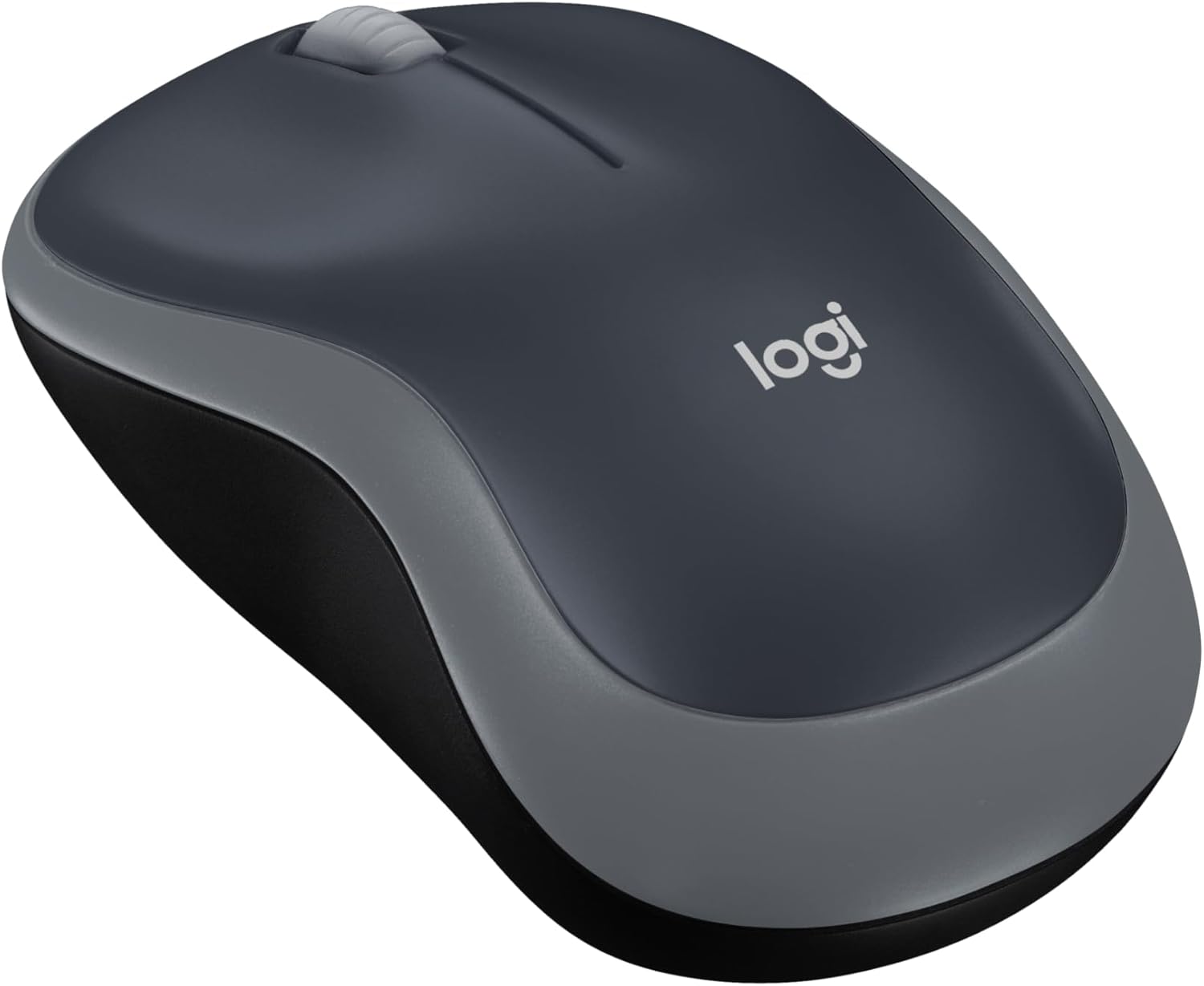
Check Logitech M185 Compact Wireless Mouse, Swift Grey on Amazon. Confirm the selected model, seller, delivered price and return terms. This link identifies ASIN B004YAVF8I; it does not guarantee current stock.
Our buying decision
The M185 makes sense when a basic pointer, compact shape and available USB-A port match your desk. Include any adapter in the total cost and assess hand comfort early. Its simplicity is useful, but it does not establish superior comfort or productivity.
Explore Home Office ideas and Buying Guides. Related reading: Anker 332 USB-C Hub Review: A Pack-Away Desk Needs the Right Ports.
Sources and evidence limits
The linked Amazon listing supplies the product identity, photographs and listed features. Household scenarios and comparisons are editorial analysis. We have not measured durability, performance or user outcomes. We do not use star ratings as proof of quality.
Sources
- Amazon product listing — https://www.amazon.com/dp/B004YAVF8I