Disclosure: As an Amazon Associate, Small Home Rhythm may earn from qualifying purchases. Price, stock, variant and seller may change.
Logitech Pebble Keys 2 K380s Review: A Keyboard for a Shared Small Desk? This research-based review looks at the exact Pebble Keys 2 K380s, tonal graphite listing through the everyday constraints of a home office: clearance, access, upkeep and the alternative you already own. We have not physically tested this item. A product photograph identifies the listed product, while room photographs illustrate context rather than hands-on use. For the broader setup, Amazon Basics 8-Sheet Cross-Cut Shredder Review: Room for It in a Small Home Office? is a useful next read.
A compact keyboard changes desk depth
The K380s does not create a larger desk; it shifts how space is used. Mark the keyboard footprint in front of your screen, then leave enough room for wrists, mouse movement and a notebook. A short keyboard can make more mouse space on a narrow table, but a separate keyboard also requires an appropriate screen height and seating position. A laptop on a stand plus keyboard may be more comfortable than a laptop flat on the table, if the desk has the depth.
Switching devices is the actual feature
The listing describes Easy-Switch buttons for up to three paired devices. That matters when a work computer, personal laptop and tablet share one surface. Write down which device you would switch to during a normal day. If you never leave one computer, multi-device pairing is a feature you may not need. Check operating-system compatibility and current Bluetooth requirements on the listing and support page; some shortcuts and customization depend on software or device support.

Round keys and typing habits
The rounded keys are a visible design choice, and their feel may differ from a traditional laptop keyboard. A research-based review cannot promise comfort or typing speed for your hands. If you type for hours, try a comparable layout in person when possible and check the return terms. Pay special attention to the spacing of modifiers, arrows and function keys you use often. The attractive silhouette should not decide an ergonomic question on its own.
Shared desk handoff
A family desk may become a homework station after office hours. Decide whether the keyboard travels to a drawer or stays on the surface, and where another user’s mouse and materials go. Pairing to a tablet can be useful, but each user needs to know which device is active. Labeling the paired slots mentally, rather than changing them each day, avoids confusion. The keyboard’s small size pays off most when it is easy to clear away. You may also find Swingline 747 vs. Bostitch B8RC: Which Stapler Fits Your Home-Office Paperwork? useful for a closely related small-home problem.
Battery and connection upkeep
The listing identifies a battery-powered Bluetooth keyboard. Batteries reduce cable clutter but eventually need replacement and responsible disposal. Keep a spare in a known location if interruptions would matter during work. Bluetooth can behave differently across devices and wake states; test reconnection in the first days while returns are easy. If your employer restricts Bluetooth peripherals or software installation, confirm that before buying for a work computer.
Customizable keys are not automatic
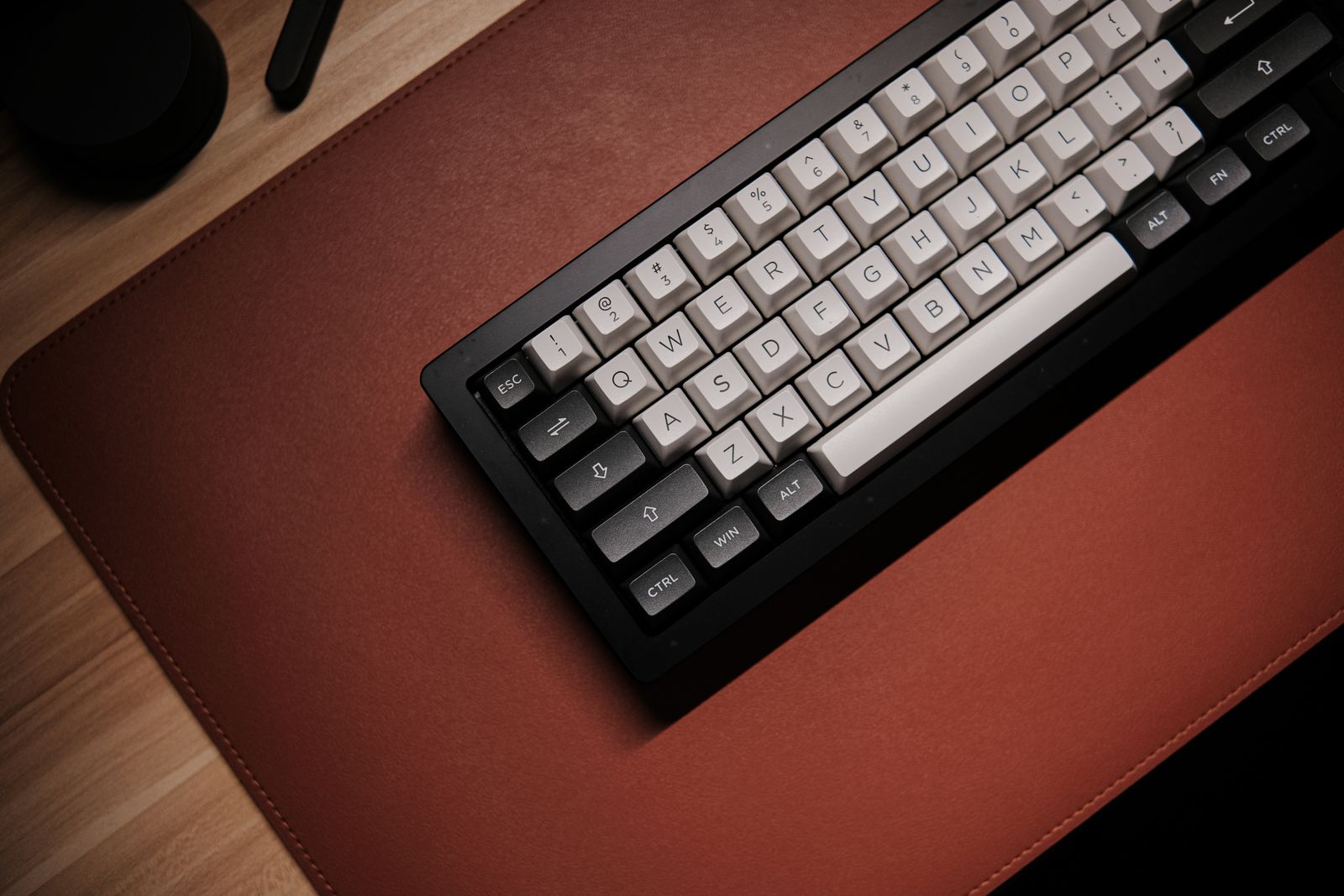
Logitech describes customizable function keys through its software. Check whether the operating system you use supports the current application and whether a managed work laptop allows installation. Decide which two or three shortcuts would actually save time; a long list of theoretical actions rarely justifies a purchase. The key labels and default commands may differ across operating systems. Make a quick inventory of the keys you use in your daily apps.
Portability has limits
A small keyboard can move from desk to dining table more easily than a full-size model, but repeated temporary workstations still need lighting, a stable chair and a screen at a usable height. Do not treat the keyboard as a substitute for those basics. If you carry it in a bag, protect the keys and check the dimensions against the sleeve you already own. A device that travels often may face different wear than one that lives in a desk drawer.
Compare with a mouse-first upgrade
On a cramped desk, a smaller mouse, better cable route or monitor arm may free more useful space than a new keyboard. Sketch the objects that occupy the surface at the end of a workday. If the keyboard is already small, replacing it may have little effect. If a full-size board blocks your mouse arm, a compact model makes a clearer case. Do one change at a time so you can tell what improved the work area. If you are working on the same space, Amazon Basics Adjustable Monitor Stand Review: Will It Free a Shared Desk? covers the next decision in more detail.

A real workday rehearsal
Use paper to outline the K380s and place it on your desk for a full workday. Where does the notebook go during a call? Can you reach the mouse without twisting? When a child needs the table, where will the keyboard be stored? A quick measurement after clearing the desk often hides these transitions. The goal is a setup you can restore in seconds, not a photograph that works only when everything else is removed.
Which model is linked
The linked ASIN is the tonal graphite Pebble Keys 2 K380s. Similar Logitech names and colors can appear in the same shopping interface, so confirm the model and selected finish. We have not measured key travel, wireless latency or battery life. Use manufacturer guidance for pairing and warranty questions, and treat comfort claims as personal rather than universal.
A device-switching diary
Write down which computer or tablet you use each time you sit at the shared desk over five workdays. A switch that happens repeatedly makes the K380s multi-device buttons relevant; one that never happens suggests a simpler keyboard may suffice. Then observe where the board waits between sessions. If it must be moved for meals, choose a drawer or shelf that does not pile equipment on top of its keys. Check that the mouse, screen and seating remain usable when the keyboard is placed at a comfortable distance. This is especially important for a dining table that doubles as an office: every device needs a quick setup and teardown path. The keyboard can simplify one transition, but it does not organize chargers, documents or the laptop itself. The buying threshold is a smoother actual handoff between uses, not simply a neater photograph of an empty desk.
Who is this for?
A desk shared between devices or people where a compact wireless keyboard can be stored between work sessions. The choice is strongest when the product addresses a recurring task and has a known place to live between uses. Put the existing tool or routine beside it in your comparison. If the proposed purchase merely moves clutter from one surface to another, the small-home advantage disappears. Check that everyone who shares the room can still use it comfortably.
When should you skip it?
Someone who needs a numeric keypad, dedicated function-key layout or a full-size typing surface. A product can be well made and still be wrong for your layout. Decide whether the constraint is a missing tool, an overloaded storage area, or a routine that needs fewer steps. Do not let a staged product photo substitute for measurements and a walk through your actual room. Waiting until the need is clear is also a valid purchase decision.
What would I compare instead?
Use the laptop keyboard, or choose a full-size keyboard if numerical work and long sessions dominate. Compare total effort, not only the upfront price: storage, cleaning, setup, replacement parts and the minutes involved on a busy day. An alternative that is already in your home has no new footprint. If you would buy a second item to make this one usable, include both in the budget and space calculation. The most useful choice is the one you will actually maintain.
Questions to settle before ordering
Measure the intended spot, including doors, drawers, hands and walking clearance when Pebble Keys 2 K380s, tonal graphite is in use. Read the live specifications and care instructions for ASIN B0BT4DP7SC. Confirm the selected variant, box contents, seller, return terms and warranty where applicable. A listing can change after this article is written. Check recent customer questions for recurring compatibility concerns, but distinguish one household’s experience from your own measurements.
Amazon product and current listing
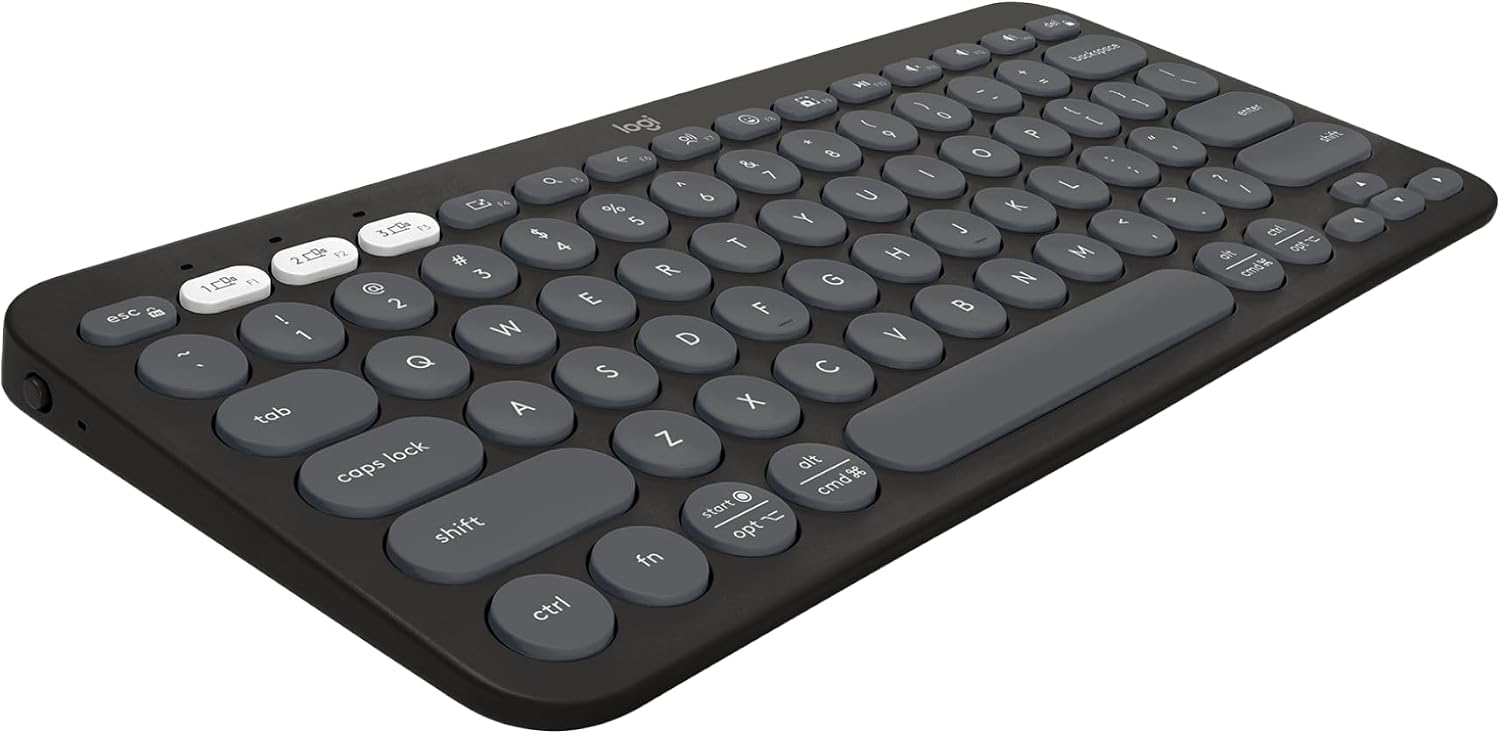
Check the current Pebble Keys 2 K380s, tonal graphite listing on Amazon. The photograph is from the linked listing. It helps identify the product and is not evidence that we tested it, installed it or measured performance. Confirm the exact variant and current details on Amazon before purchase; we do not quote a fixed price or promise availability.
The small-home verdict
A desk shared between devices or people where a compact wireless keyboard can be stored between work sessions. If that describes your household and the fit exercise works, this model is worth comparing with the existing solution. Use the laptop keyboard, or choose a full-size keyboard if numerical work and long sessions dominate. If the alternative solves the task with less storage or upkeep, keep it. The buying decision should remain tied to a real routine and a measured location rather than a general claim that every small home needs another product.
Explore our Buying Guides and the Home Office room guide for related ideas.
Sources
- Amazon product listing — ASIN B0BT4DP7SC
- Manufacturer or product information — Logitech product information
Sources
- Amazon product listing — https://www.amazon.com/dp/B0BT4DP7SC
- Manufacturer/product information — https://www.logitech.com/en-us/shop/p/pebble-keys-2.920-011776