Paper can consume a small desk in two different ways. A sheet lying beside the keyboard occupies working space and may be inconvenient to read while typing. A stand holding the sheet can improve its position but create a new footprint that competes with the monitor and mouse. The Fellowes 21106 and 8039401 approach that tradeoff differently, so choose by the layout of your desk and the material you actually reference.
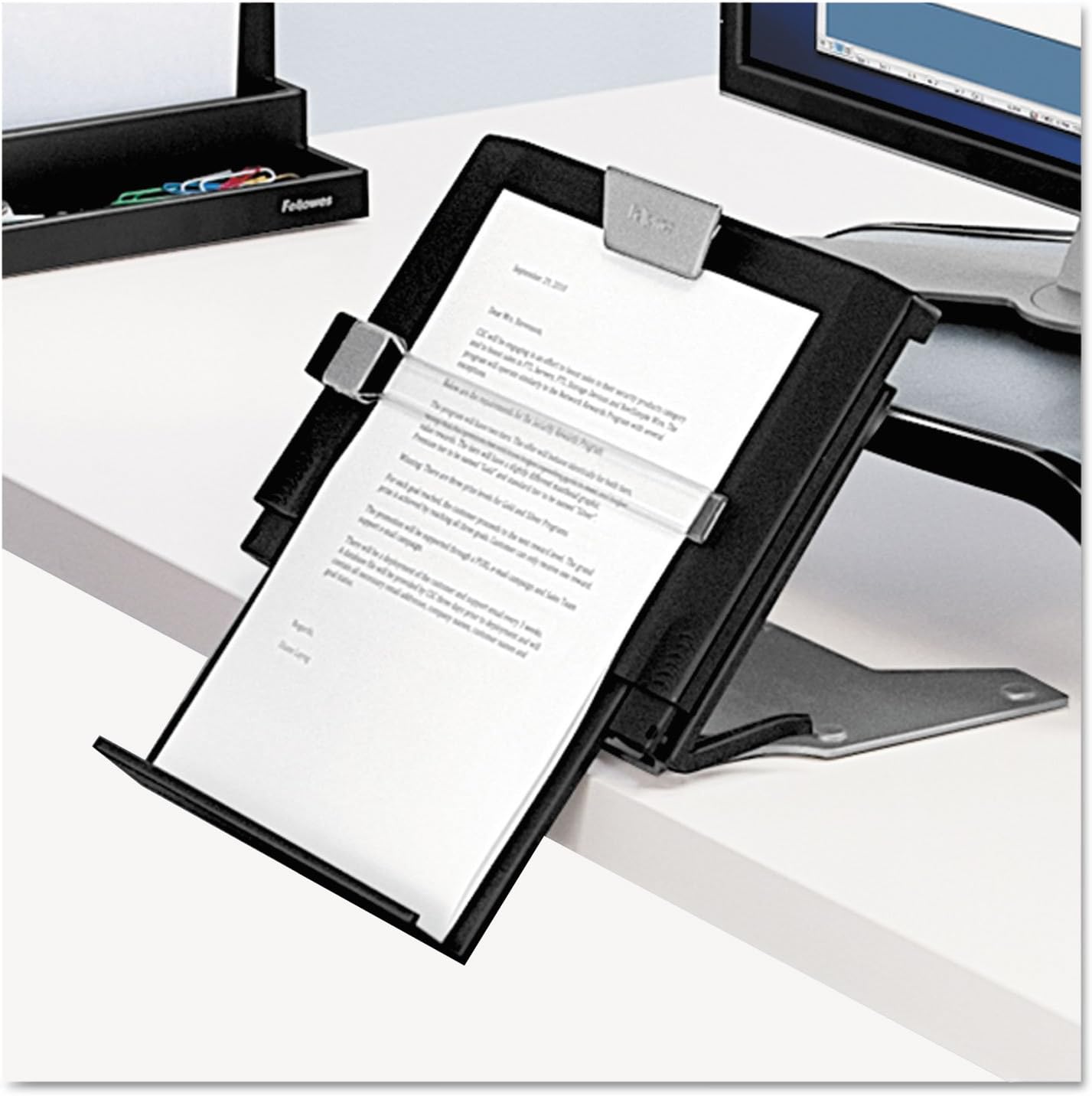
The 21106 is a non-magnetic plastic copyholder with an easel-style support and movable line guide. The 8039401 is an in-line holder intended for reference material between monitor and keyboard. The first is a starting point for ordinary sheets with a suitable side position; the second is worth considering when a centered arrangement and support for broader material justify its space.
Research scope: We checked the exact linked Amazon models and manufacturer material. We have not used these holders at a desk, measured stability, or assessed comfort. Layout advice is a practical proposal for readers to evaluate, not an ergonomic treatment or a tested health benefit. Affiliate disclosure: As an Amazon Associate, we earn from qualifying purchases.
The exact models, with separate product photographs
The black 21106 is linked under ASIN B00004Z5QZ. The Professional Series 8039401 is linked under ASIN B001OVO53C. Confirm the model number on the current offer; other Fellowes document holders can look similar in a search result without using the same support, guide, or adjustment system.
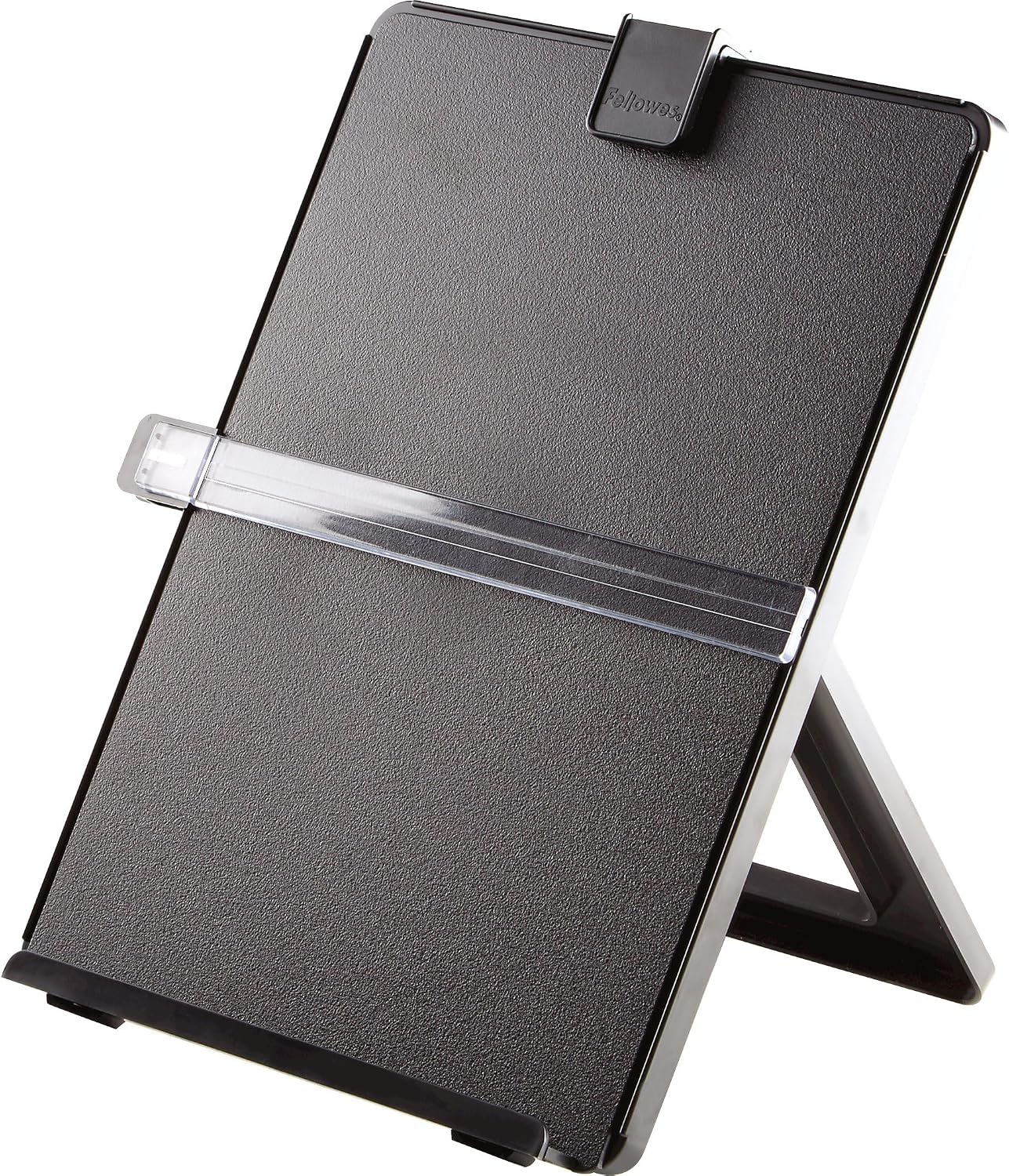
Check Fellowes 21106 on Amazon.
Check Fellowes 8039401 on Amazon.
Put the reference task before the accessory
List what you need to read while working. One letter-size sheet, a bound booklet, a landscape spreadsheet, and a stack of notes are different jobs. Choose a holder that supports the actual material rather than assuming a larger page-capacity figure makes a product more useful.
Also ask how often that task happens. Someone who references paper for much of each day may justify a permanent stand position. Someone who checks one receipt each week may need only a temporary arrangement, with the paper returned to filing immediately afterward. An occasional job does not automatically deserve a permanent desk accessory.
Our guide to keeping a daily home office tidy helps distinguish work in progress from stored records. A document holder supports material being used; it should not become an archive for everything that has reached the desk.
The 21106: a straightforward sheet-reference option
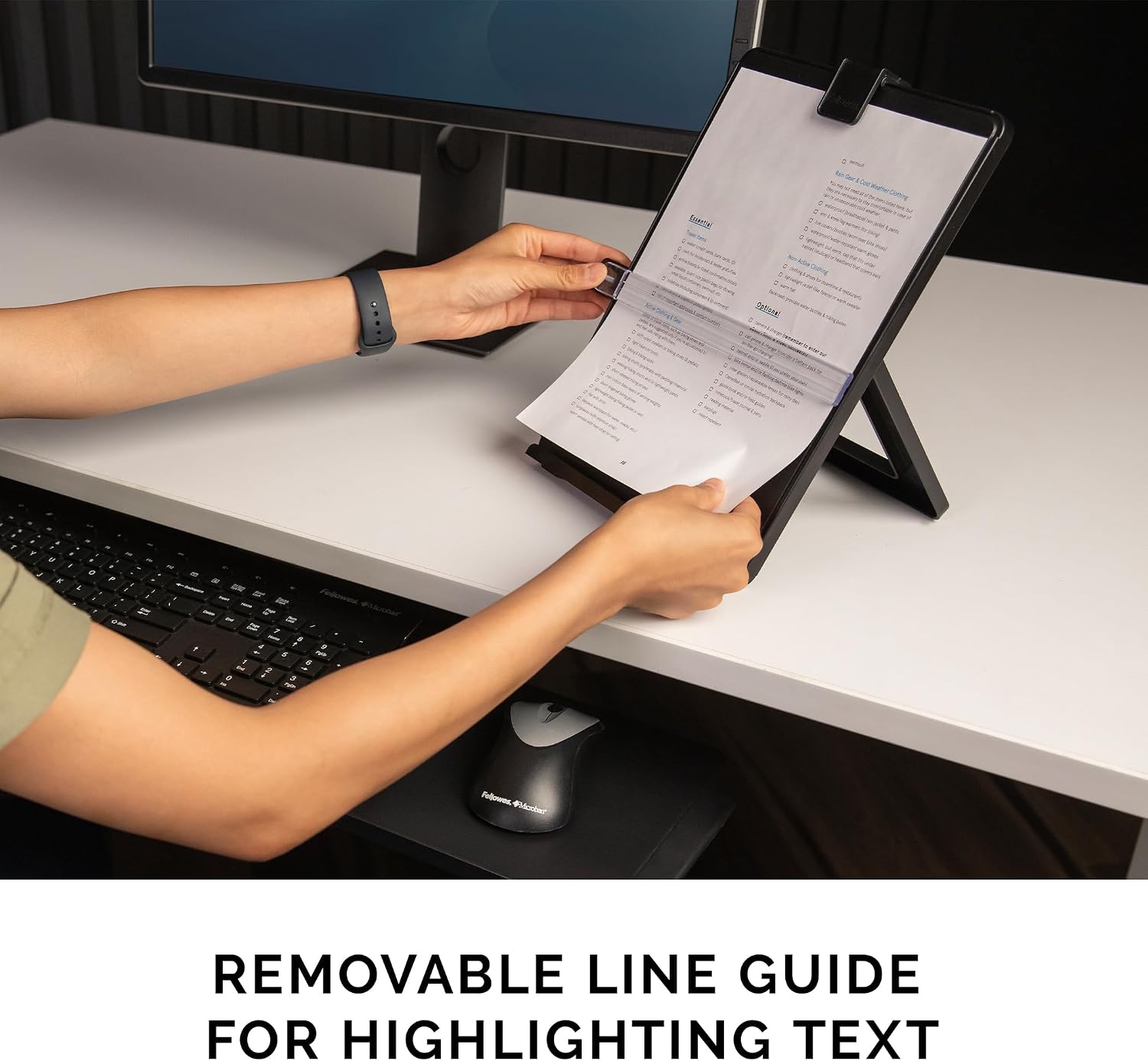
The linked listing describes a plastic, non-magnetic holder with an easel back, removable line guide, and repositionable paper holder. It lists capacity for up to 125 letter-size sheets. That capacity describes the product, but your useful load may be much smaller if you need to turn pages frequently or refer to a single sheet.
Consider where the easel can sit while leaving the mouse and keyboard usable. The complete support depth matters as much as the front panel’s width. A stand placed on a narrow side shelf may leave too little room for its back support even when the sheet itself appears to fit.
The line guide may help you identify the place you are reading. It does not prove a benefit for every task, and we have not tested how easily it moves or how securely it holds a particular paper stack. If your reference material changes rapidly, include the effort of loading and repositioning the sheets in your assessment.
The 8039401: consider the center of the desk
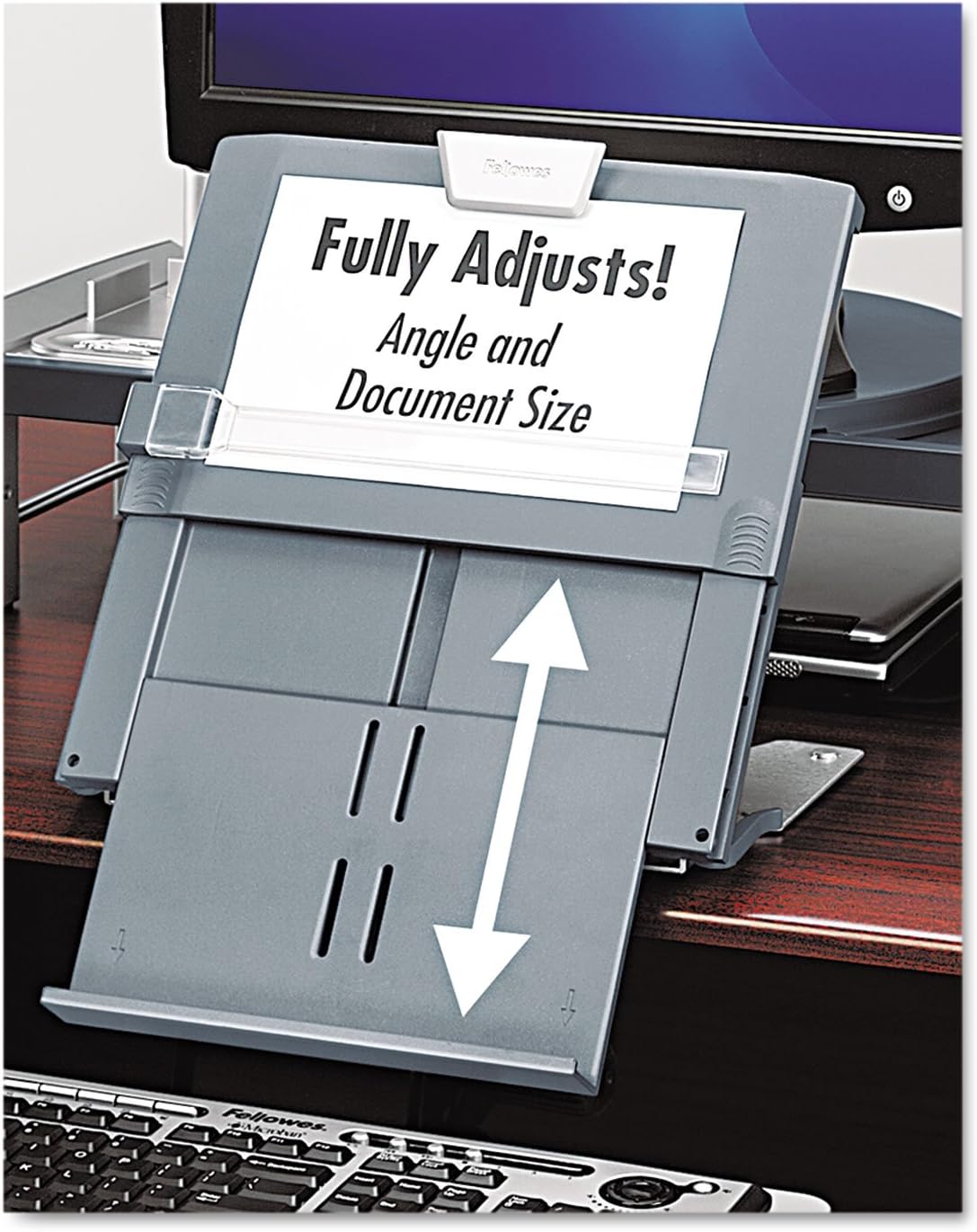
The in-line design puts reference material between the monitor and keyboard. The linked listing describes support for books, catalogs, and landscape sheets, with a magnetic line guide and up to 250 pages of letter, legal, or A4 material. Confirm the instructions and limits for the exact load you intend to use.
Its practical appeal is a centered reference position. Its practical challenge is the space required to create that position without forcing the keyboard, monitor, or your arms into an unsuitable arrangement. A shallow desk may not have a useful center gap, particularly when a monitor stand already occupies much of the depth.
Do not buy on the assumption that the holder can sit over any keyboard or fit under any screen. Check the model’s actual dimensions, adjustment arrangement, and intended setup against your equipment. The page count cannot answer those physical-fit questions.
Use a cardboard layout trial
Before purchasing, mark the proposed footprint on the desk using the current dimensions from the listing or manufacturer. Include the support area, not just the surface holding the paper. The outline is a planning tool and does not simulate the product’s stability or approved use.
Place your normal keyboard, mouse, and a sample reference sheet in their intended positions. Can you still work with the space left? Does the sheet obscure the screen? Do you have to move another essential item into a less suitable position? If the outline creates a problem, solve the layout before ordering a stand.
For a shared desk, repeat the exercise with both users’ equipment. A stand that fits one person’s compact keyboard may interfere with the other’s larger setup. Our guide to two people sharing one desk addresses that switching routine.

Think about page changes and bound material
Reference tasks often involve movement rather than simply displaying one page. Turning a booklet, swapping a spreadsheet, or marking a handwritten note requires access to the material. A holder that fits a stack may still be inconvenient if the relevant page cannot be changed comfortably within the available desk space.
Choose the stand around that interaction. If you mainly display a single sheet, a simple support may be sufficient. If you work with broader or bound material, verify that the selected holder supports that use and provides a practical way to manage the page. Do not extrapolate from a promotional photograph to every binding thickness or book size.
We have not tested stability with heavy books or unusual document loads. Follow the maker’s limits and avoid improvised extensions or attachments. A comparison should help you identify the questions to check, not give an unsupported promise that a listed page capacity covers every kind of reference material.
Separate reference paper from the action inbox
When a task ends, remove the material from the stand and return it to the appropriate destination. A receipt awaiting filing, a bill requiring action, and a document needed tomorrow have different statuses. Keeping all three displayed can turn a helpful reading support into a visible backlog.
Use the holder for the active task and a separate, modest system for what comes next. If the desk lacks drawers, our guide to a home office without desk drawers can help you establish that destination. The stand should not be selected as a substitute for filing.
For private documents, consider who can see the displayed page. A home office may also be a guest room or family living space. Put sensitive material into appropriate storage when the task ends, rather than assuming an upright sheet is less visible than one lying flat.

What each option asks you to maintain
Follow the manufacturer’s care guidance and keep the supports, guide, and adjustment parts in suitable condition. We have not measured hinge wear, guide strength, or long-term stability. Inspect the actual product rather than using brand reputation as a substitute for its condition.
Keep the setup within the instructed load and adjustment range. A stand is not a shelf for devices, mugs, or other objects unless the maker expressly supports that use. Adding weight to stop movement can create a different problem and does not establish that the base is suitable for your desk. You may also find Rain design mstand vs nulaxy c3 small desk useful for a closely related small-home problem.
If the holder must be packed away daily, include that action in your purchase criteria. Where does it go, and can it be retrieved without unloading a cupboard? A centered arrangement that takes several minutes to rebuild may be a poor match for a short occasional task, even if it looks excellent while assembled.
Our conditional recommendation
| Situation | Start here | Main condition |
|---|---|---|
| Ordinary sheets with room for a side-positioned easel | Fellowes 21106 | Check the full support footprint and access to page changes |
| A centered reference position and compatible broader material | Fellowes 8039401 | Check desk depth, screen visibility, and the intended load |
| Very shallow desk with no suitable gap | Neither by default | Resolve the layout or use an appropriate temporary method |
| Infrequent paper reference with an adequate existing solution | Keep the existing setup | Avoid a permanent accessory for a rare task |
The 21106 is the simpler starting point when the job is ordinary sheet reference and the easel has room. The 8039401 is a more specific purchase for a desk that can support an in-line arrangement. We do not declare either universally more comfortable or more stable because we did not perform those tests.
Check the offer before checkout
Compare delivered price, seller, returns, model, and included parts. A current ASIN link identifies the intended product but does not guarantee stock, a particular seller, or an unchanged configuration. If the listing’s measurements or adjustment description conflicts with the manufacturer material, ask for clarification before buying.
Do not resolve a conflicting specification by choosing the number that fits your desk better. Physical compatibility should be settled before purchase, especially in a shallow workspace where a small difference can change the whole layout.
Sources and limits
The linked Amazon product pages and Fellowes’ document-holder catalog provide product identity and design context. The catalog is an older manufacturer source; check the current exact-model listing and instructions for purchase details. Photographs show listed products, not our test desk. We did not verify health outcomes, comfort, durability, or stability under comparative loads.
Explore Home Office ideas and Buying Guides. The right holder is the one that supports your active reference material without taking away the desk space needed to do the work.