A shared desk needs to switch between work, homework and everyday household tasks. This adjustable Amazon Basics monitor stand raises a display and leaves a small space beneath it. The important question is whether the resulting screen position and usable space improve your actual setup, not merely whether the platform fits on the desk.
Quick fit verdict: Consider this riser when your monitor base fits the platform, the screen needs extra height, and the space underneath will hold something you already use. Skip it if the monitor is already too high or the stand crowds your working area. For the whole setup, start with a small desk layout without drawers.
This is a research-based review of the named Height Adjustable Monitor Stand Riser with Storage Organizer, black. We have not used, timed or durability-tested it. The practical checks below are designed to help you compare the current listing with your own room rather than treating a marketing photograph as proof of fit.
Check your screen before you check the riser
First set your chair and feet comfortably, then look straight ahead. A riser helps only if it moves the screen toward a comfortable viewing position; if the existing monitor is already high, adding a stand can worsen the angle. Measure the monitor base, its total weight and the width of the feet. Compare them with the platform and the current 22-pound listing limit. Keep heavy hardware centered and follow the supplied assembly and loading instructions.

The underneath space is conditional
A marketing photo may show a keyboard disappearing under the platform. Measure your keyboard at its highest point, including any raised rear feet, and account for the usable opening between supports rather than the outside width of the riser. If you slide a laptop under it, leave space for ventilation and do not operate the machine in an enclosed hot nook. A paper planner or a slim notebook may use the lower shelf better than a full keyboard.
Height adjustments and cable slack
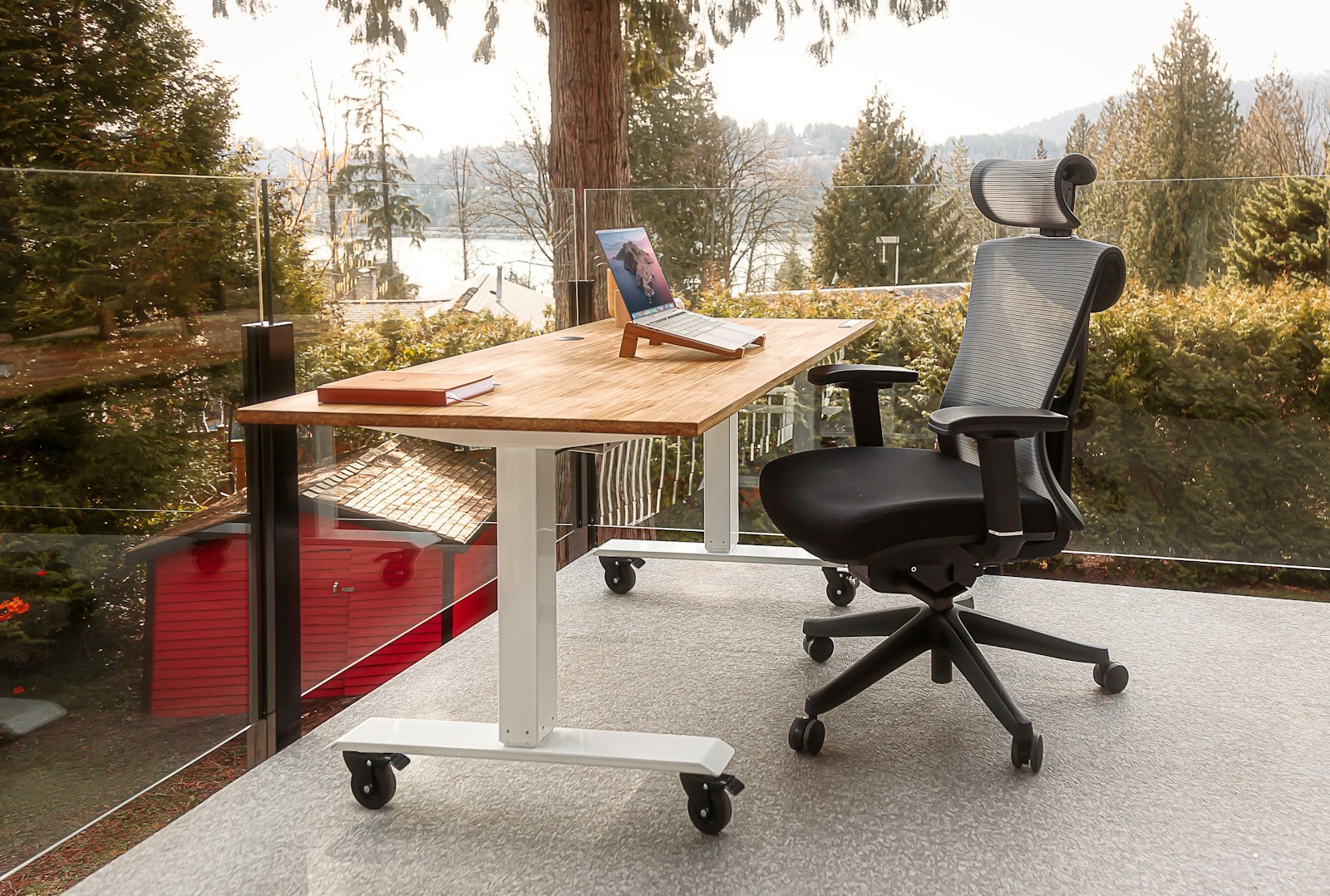
The listing describes a stackable three-level design. Choose the lowest setting that works, then route power and display cables with enough slack for the monitor to move without tugging. Adjustable feet are only useful when the surface is stable at the selected configuration. Press lightly at each corner before placing the screen. A wobble when someone writes at the same desk can be more annoying than a few inches of reclaimed surface.

Shared desk handoff
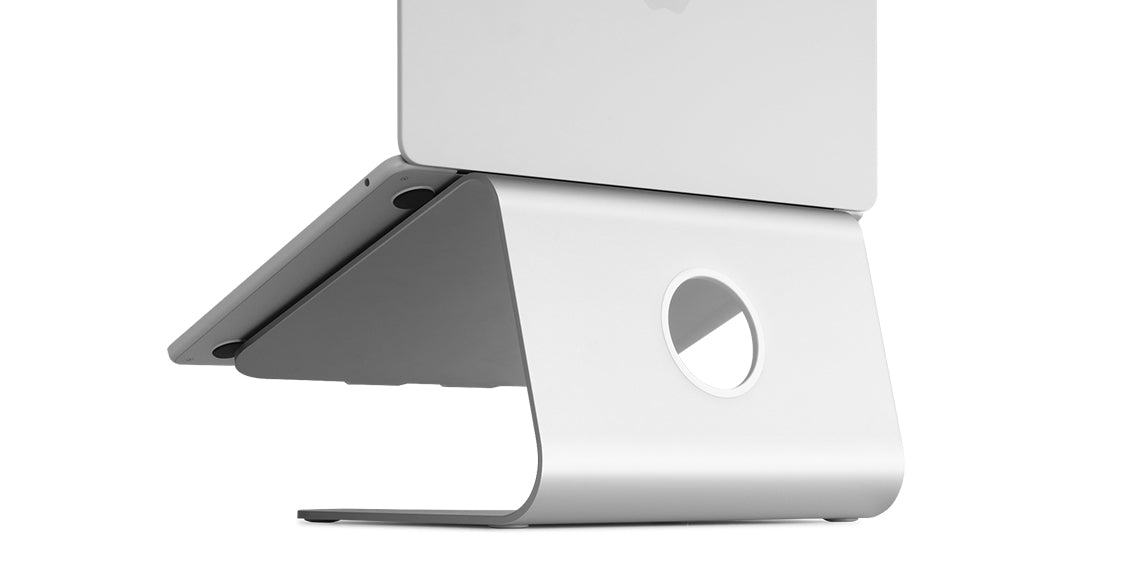
If the dining table doubles as an office, the stand may make equipment harder to clear for meals. Test the handoff: where will the monitor go, who lifts it, and what cable remains? In a permanent desk, a simple riser can make pencils and a notebook accessible beneath the screen. On a frequently cleared surface, a laptop stand that folds away may fit the routine better. Organize cables at the back so children do not pull them while reaching under the platform.
Material and cleaning
The black plastic platform is light and straightforward to wipe, but the surface can show dust and may scratch if gritty objects slide across it. Lift the monitor before changing riser height. Unplug equipment before cleaning near cables, then use the care guidance for both stand and display. Do not claim ergonomic benefits based solely on the riser; screen height, chair, viewing distance and breaks work together. A small mirror can help check whether you are leaning forward to see text.
Workday vs. homework setup
A monitor riser often looks most useful when a desk is staged for one adult. In a family home, the same area may be used by a student, a partner and someone handling bills. Set a timer for a typical handoff: can the monitor stay in place while the next person slides out a notebook? Are papers or pencils trapped under the platform? If each user needs a different screen height, a fixed riser will not solve that mismatch. A separate keyboard and mouse may also demand more usable desk depth than the product photograph suggests. Map the complete input-device arrangement before ordering.
What to put below the screen
The shelf under a riser is tempting storage, but the ideal contents are slim objects used at the desk: one notebook, a charging cable or a keyboard that fits with space to spare. Avoid parking unopened mail there because it creates a hidden backlog. Keep drinks away from the monitor and power strips. If a laptop is tucked below the platform only when switched off, make sure it can be removed without moving the display. A stand that introduces a two-handed maneuver to reach everyday tools has traded a little surface area for a slower routine.
Questions to settle before ordering
Will this fit the room as it is today?
Start with the limiting check: weigh the monitor and measure its base. Then account for the space needed to open, remove, wash and put away the item. In a small home, usable clearance is more revealing than the outside dimension alone. If the object or surrounding furniture moves, measure at both ends of that movement. Write down the number and compare it with the selected product variation, not a photograph of a similar model.
Will the routine still work when the room is busy?
Imagine the moment when monitor height and keyboard storage at a shared desk is needed and another person is using the room. Try the sequence with a paper placeholder: reach, use, clean and return. Look for a point where an extra movement blocks a doorway or requires another item to move first. If the item must be relocated after every use, plan a permanent home for it. A convenient purchase should reduce repeated friction rather than create a new reset job.
How should I compare variants and claims?
Match the Amazon ASIN to the named model, then compare dimensions, material, included pieces and current instructions. Manufacturer claims are starting points for a fit decision, not results of our own testing. Reviews may help identify questions to ask, but a customer’s room and usage can differ from yours. Check return terms and the seller at checkout. If a key specification is unclear, contact the manufacturer before ordering rather than assuming another color or size is identical.
Who should buy it—and who should pass?
Consider it if: A permanent small desk with a monitor whose base and weight fit, and a need for a modest open shelf. The value lies in solving the daily placement problem for monitor height and keyboard storage at a shared desk. Try to identify the exact point in your routine when you would reach for it, and the precise space it will occupy once put away. A product that works only after clearing a surface every time is unlikely to remain useful.
Skip it if: A screen already at a comfortable height or a work surface cleared completely every day. Do the small measurement and routine test before checkout. Amazon variations can have different materials, colors and dimensions, so verify the selected version on the page immediately before purchasing. We do not assume the current price, warranty or availability.
Before-you-buy fit check
- Weigh the monitor and measure its base. Write down the result rather than estimating from a photograph.
- Measure the opening for the keyboard or notebook. Write down the result rather than estimating from a photograph.
- Set chair and screen height before buying. Write down the result rather than estimating from a photograph.
- Inspect cables and desk stability. Write down the result rather than estimating from a photograph.
Once those checks are done, look at the product photographs and the installation or care instructions for the exact variation. Include the object around the product in your measurement: a swinging door, a drawer opening, a child’s reach or a plug and cable can change the fit. If one necessary dimension is missing, ask the manufacturer or choose a product with published specifications. A reversible paper or cardboard mock-up is cheaper than a return.
What could you use instead?
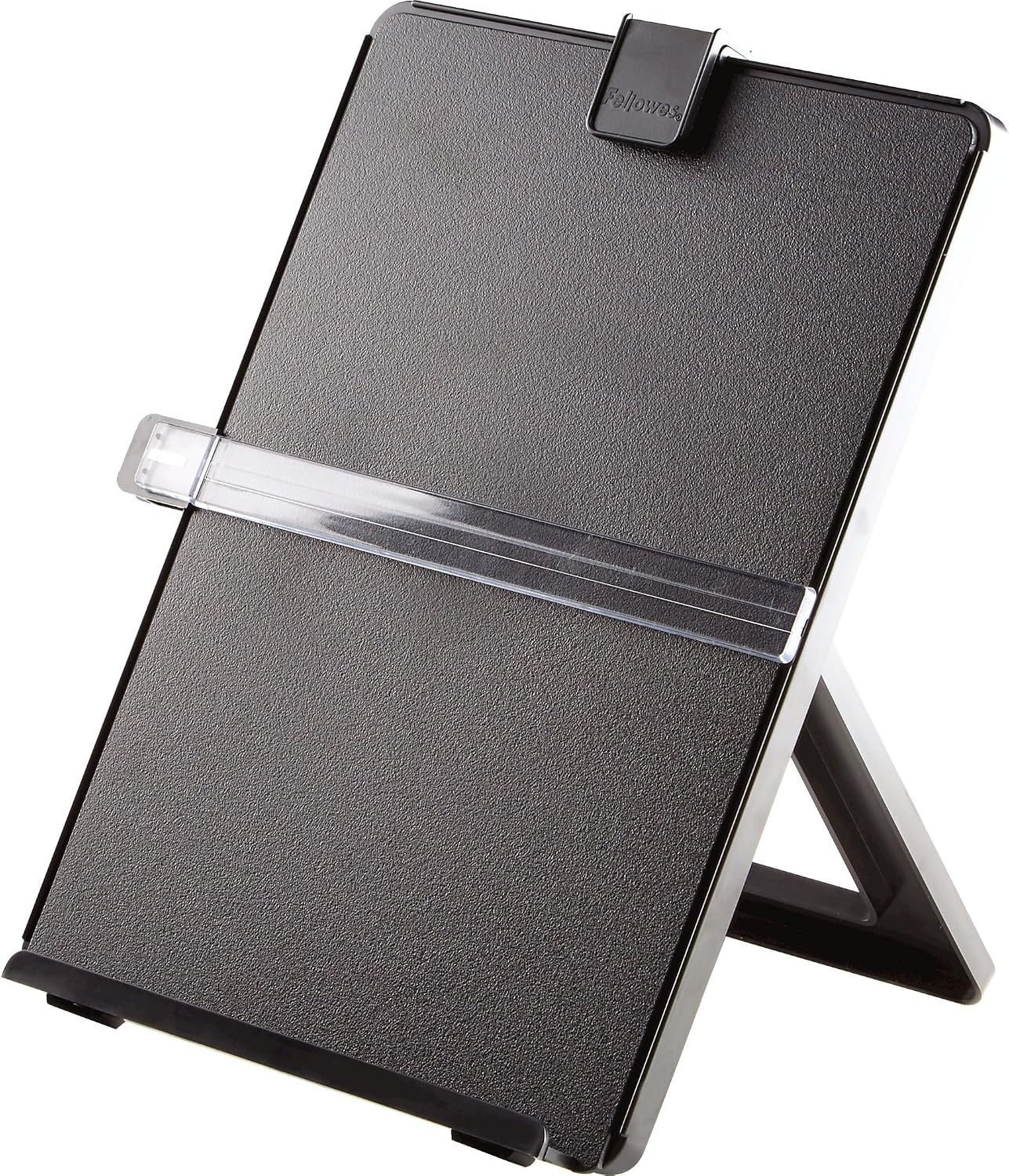
An adjustable monitor arm solves a different problem from this riser: it can reclaim the footprint of the factory monitor base and let users change height and depth. It also needs VESA mounting holes, a monitor within the arm’s rated weight range, a sturdy clamp or grommet location, space behind the desk for the arm to fold, and slack in every cable.
- Choose this riser when you mainly need a modest height lift and a small open shelf, or when a thin, glass, hollow-core or frequently moved desk is unsuitable for a clamp.
- Consider a monitor arm when you need the desktop back and reposition the screen often. Use our monitor arm vs. riser guide for small desks to check VESA, monitor weight, the clamp, wall clearance, and cables before choosing.
- Use what you own when the screen is already at a comfortable height or a sturdy existing shelf meets the need safely.
On a shared family desk, measure the full handoff: where the keyboard, homework and cables go when someone else sits down. A monitor arm is not a simple swap for this Amazon Basics stand, so compare installation and daily use before buying either one.
Amazon product and current listing
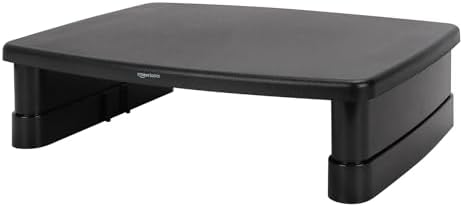
Amazon Basics Height Adjustable Monitor Stand Riser with Storage Organizer, black — View this exact model on Amazon. Check the selected color, variant, seller and latest manufacturer instructions; the image illustrates the listed item and does not document a hands-on test.
Before placing an order, open the affiliate link and compare the product title and ASIN B00X4SCCFG with the specifications that mattered in your room. If the listing switches to a different variation, stop and recheck the measurements and materials. Reviews can surface recurring complaints, but treat them as individual experiences and weigh them against the published product details.
Final verdict for a small home
A permanent small desk with a monitor whose base and weight fit, and a need for a modest open shelf. A stable existing shelf or an appropriate adjustable monitor arm may solve a different height or footprint problem. Keep the decision tied to the one friction point this item could remove; a larger capacity or an extra shelf is not useful if it makes the room harder to move through, clean or share. Revisit the fit checklist with the current listing before buying.
Explore more Buying Guides and the Home Office room guide for related small-home ideas.
Sources
- Amazon product listing for Height Adjustable Monitor Stand Riser with Storage Organizer, black — https://www.amazon.com/dp/B00X4SCCFG