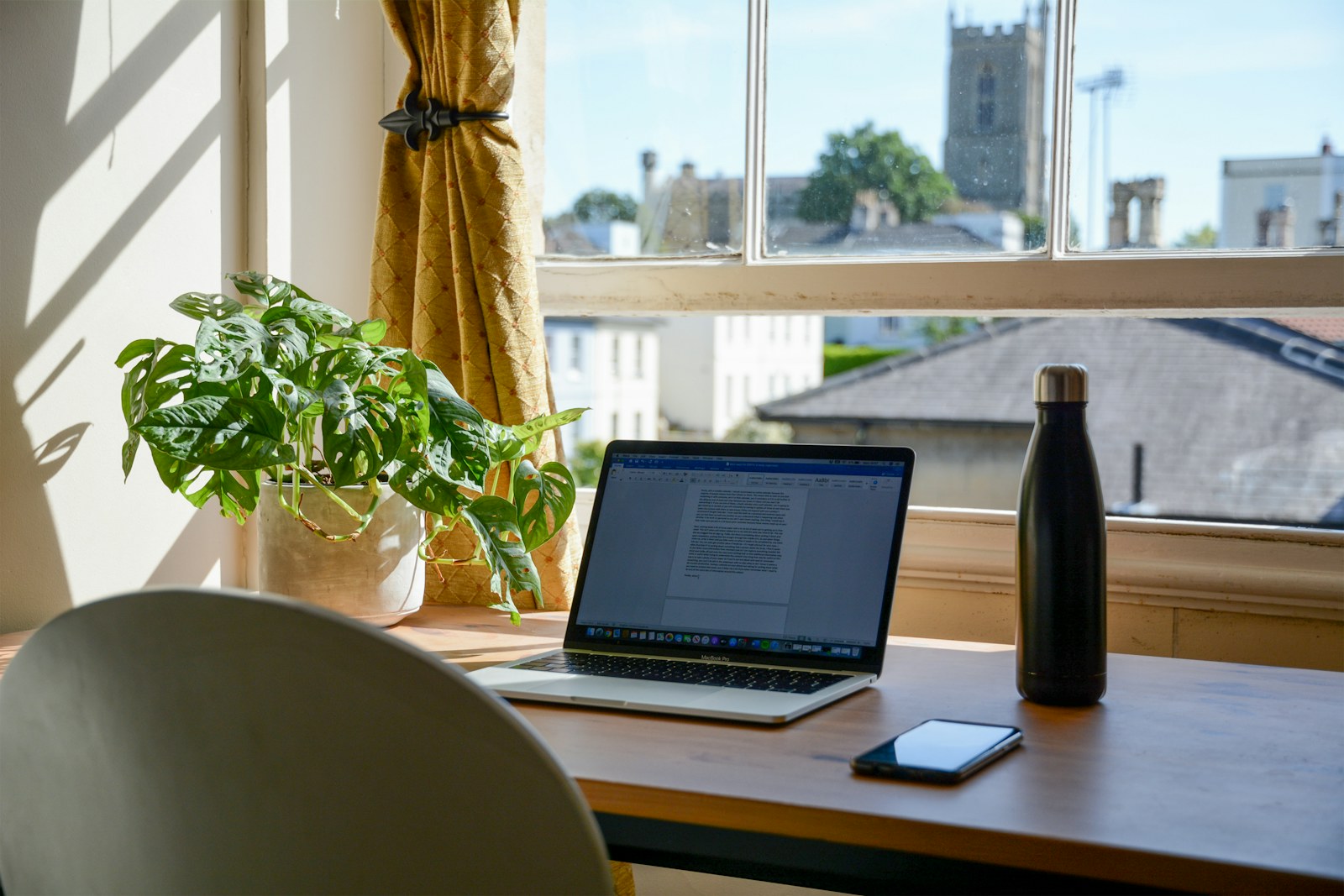
Sharing one desk is not mainly a storage problem. It is a changeover problem. Two people can use a very small work surface successfully if each person can arrive, set up, work, and leave without dismantling the other person’s system. For a related step-by-step approach, see How to Organize a Small Home Office When Your Desk Has No Drawers.
The goal is not to fit two permanent offices onto one desk. The goal is to make one neutral desk accept two temporary setups.
First, decide whether the desk is simultaneous or sequential
If both people must work at the same time, one small desk may simply be the wrong resource. You may need a second fold-down surface, dining-table backup, or staggered work zone.
If use is mostly sequential—one person mornings, another evenings, a parent after a child’s homework—the shared-desk model can work extremely well. You may also find How to Set Up a Shared Homework and Work Station in a Small Home useful for a closely related small-home problem.

Create a neutral desktop
Permanent shared items should be minimal: perhaps one monitor, one lamp, one charging hub, and one pen cup. Everything else belongs to a person, not the desk.
A neutral surface makes changeover obvious. If the first user leaves notebooks, headphones, mail, and mugs behind, the second user starts by cleaning rather than working.
Give each person one complete work kit
Instead of storing categories separately—pens in one drawer, chargers in another, notebooks across the room—give each person a portable kit containing the items needed for a normal session.
That kit might be a document box, laptop sleeve plus pouch, shallow basket, magazine file, or handled caddy. It should be small enough to lift in one trip.
Use the “one-trip swap” test
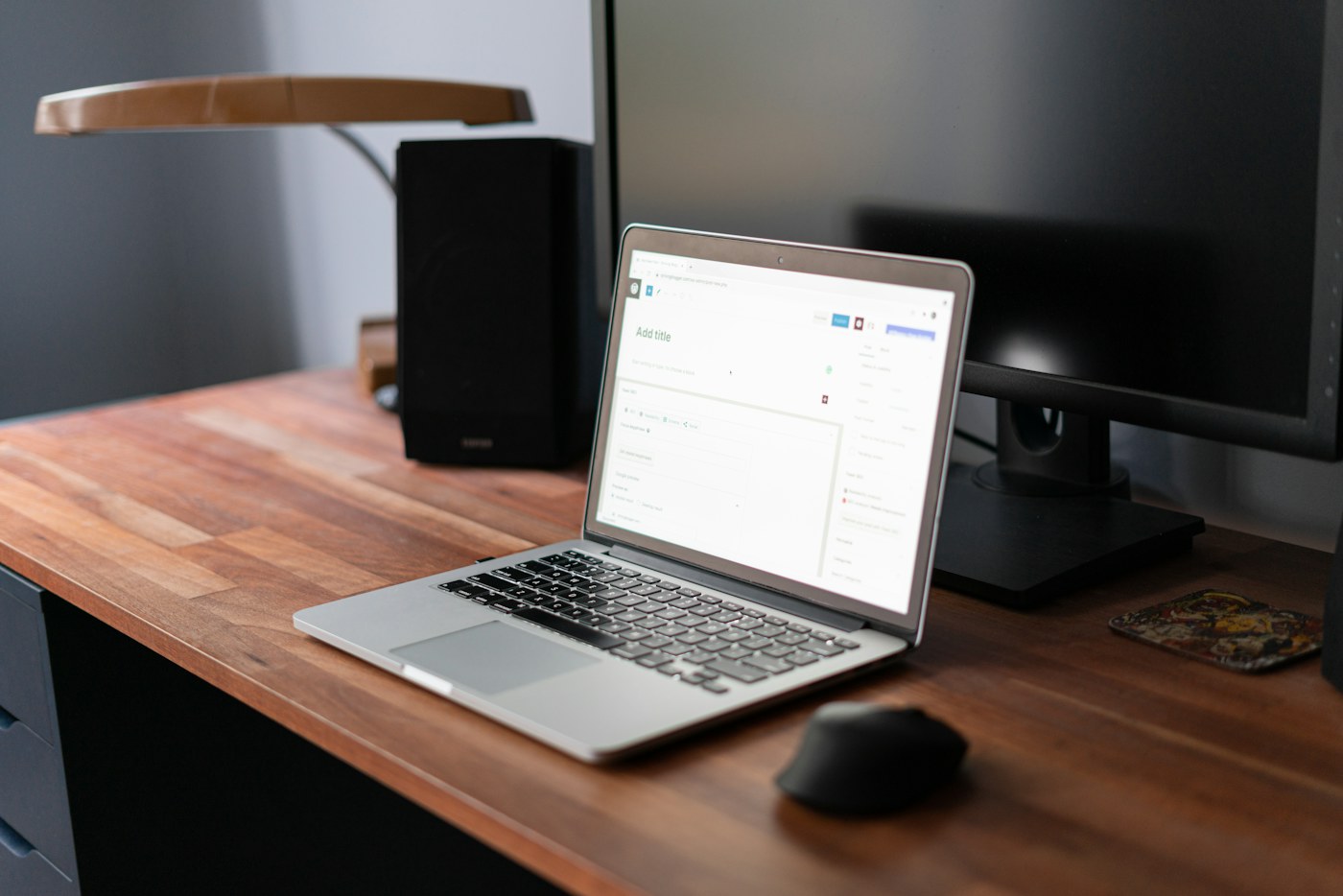
A good shared desk can switch users in about one trip: Person A lifts away one kit; Person B puts down one kit. If changeover requires six journeys to closets and shelves, the system will be abandoned.
Keep personal work kits within a few steps of the desk but not on the desktop.
Decide who owns the monitor settings
A shared external monitor can save space, but two users may need different laptop connections, screen height, or input devices. Use compatible cables or a docking solution appropriate to the devices, and label them clearly.
Do not create a nest of adapters that must be rebuilt each session. Fewer connection points usually mean a more reliable reset. You may also find A 15-Minute Weekly Paper and Bill Reset for a Small Home useful for a closely related small-home problem.
Keyboard and mouse: shared or personal?
If both people are comfortable with the same input devices, sharing reduces storage. If preferences differ substantially, store each person’s keyboard and mouse vertically or in a dedicated bin when not in use.
Personal devices should leave the surface with the rest of the kit rather than becoming a second permanent layer.
Ergonomics cannot be permanently optimized for two bodies
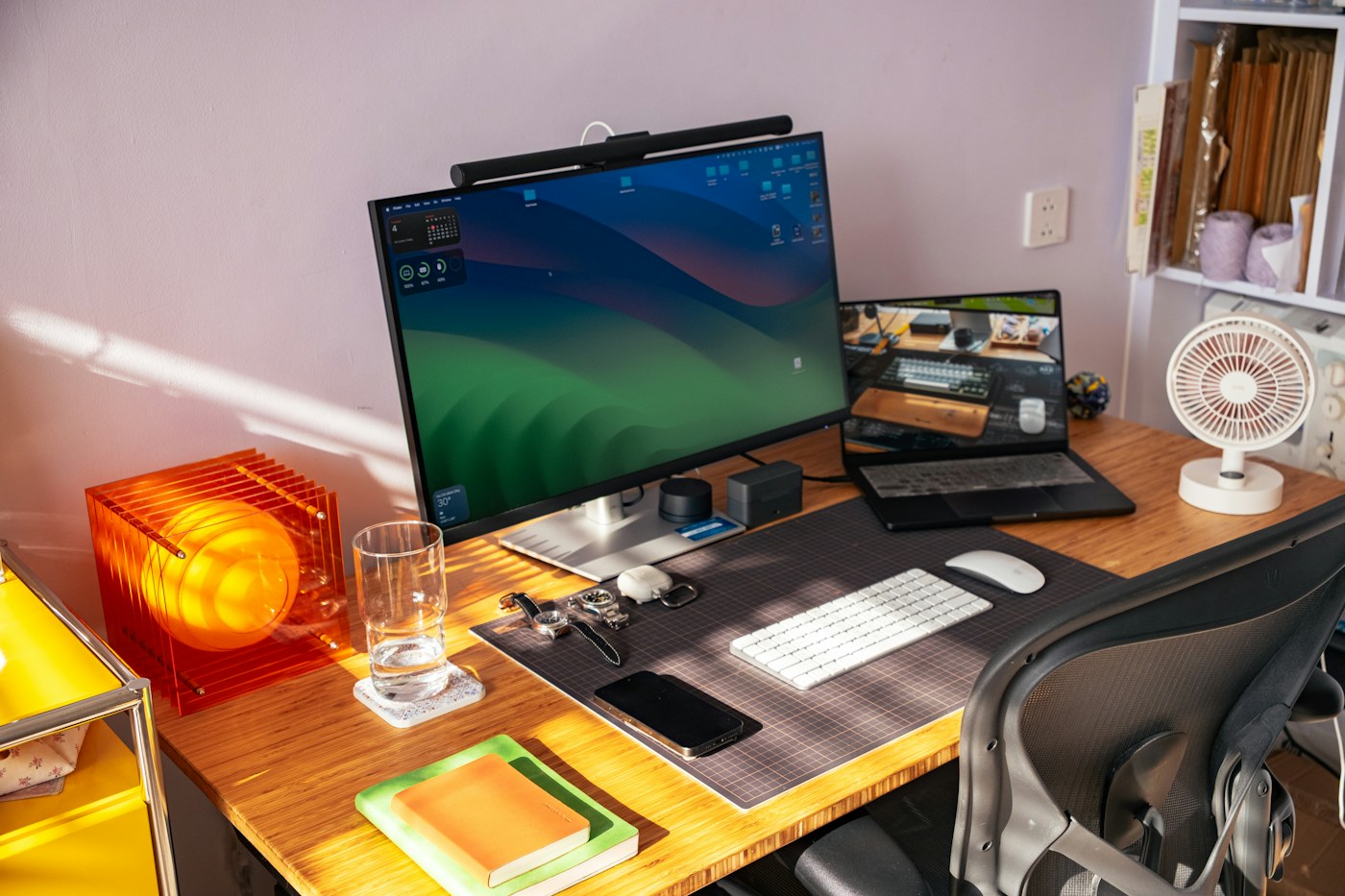
Chair height, screen height, keyboard position, and lighting may need adjustment between users. Choose components that can be changed quickly and repeatably rather than a fixed arrangement that is ideal for only one person.
If a child and adult share the desk, follow age-appropriate furniture and seating guidance; do not improvise unstable footrests or stacked cushions.
Give each person one vertical parking space
A shelf cube, magazine file, narrow wall pocket, or cabinet section beside the desk can hold the work kit. Label by person rather than by supply category.
This is one case where “his/hers,” names, initials, or color coding can be more functional than organizing every item by type.
Protect confidential and important papers
If either person handles sensitive work documents, medical paperwork, financial records, or school information, an open shared tray may be inappropriate. Use secure storage appropriate to the information and workplace requirements.
For ordinary household papers, the paper files vs. digital records framework can help reduce what the desk must hold.
Use a visible schedule when timing causes friction
The desk does not need a complex booking system. A shared calendar block, whiteboard note, or recurring agreement may be enough: homework 4–5 p.m., remote work 6–8 p.m., flexible after 8.
The key is resolving ownership of time before someone opens a laptop, not while both people are standing at the chair.
What if meetings overlap?
Create one predefined overflow location for occasional conflicts: the dining table, a folding wall desk, or a laptop chair in another room. Keep an overflow kit light—laptop, charger, headset—rather than duplicating an entire office. If you are working on the same space, How to Create a Guest Sleep Zone in a Small Living Room Without a Permanent Bed covers the next decision in more detail.
If remote work is frequent and there is no dedicated room, How to Set Up a Home Office in a Small Space With No Dedicated Room covers broader location choices.
Cable management for two users
Keep shared power fixed to the desk and personal cables with personal kits where possible. Label identical-looking chargers. Route cords so that removing one laptop does not pull the other person’s equipment off the desk.
A small cable clip at the back edge can keep frequently used connectors from falling to the floor, but do not overload outlets or power strips. Follow electrical-product ratings and manufacturer instructions.
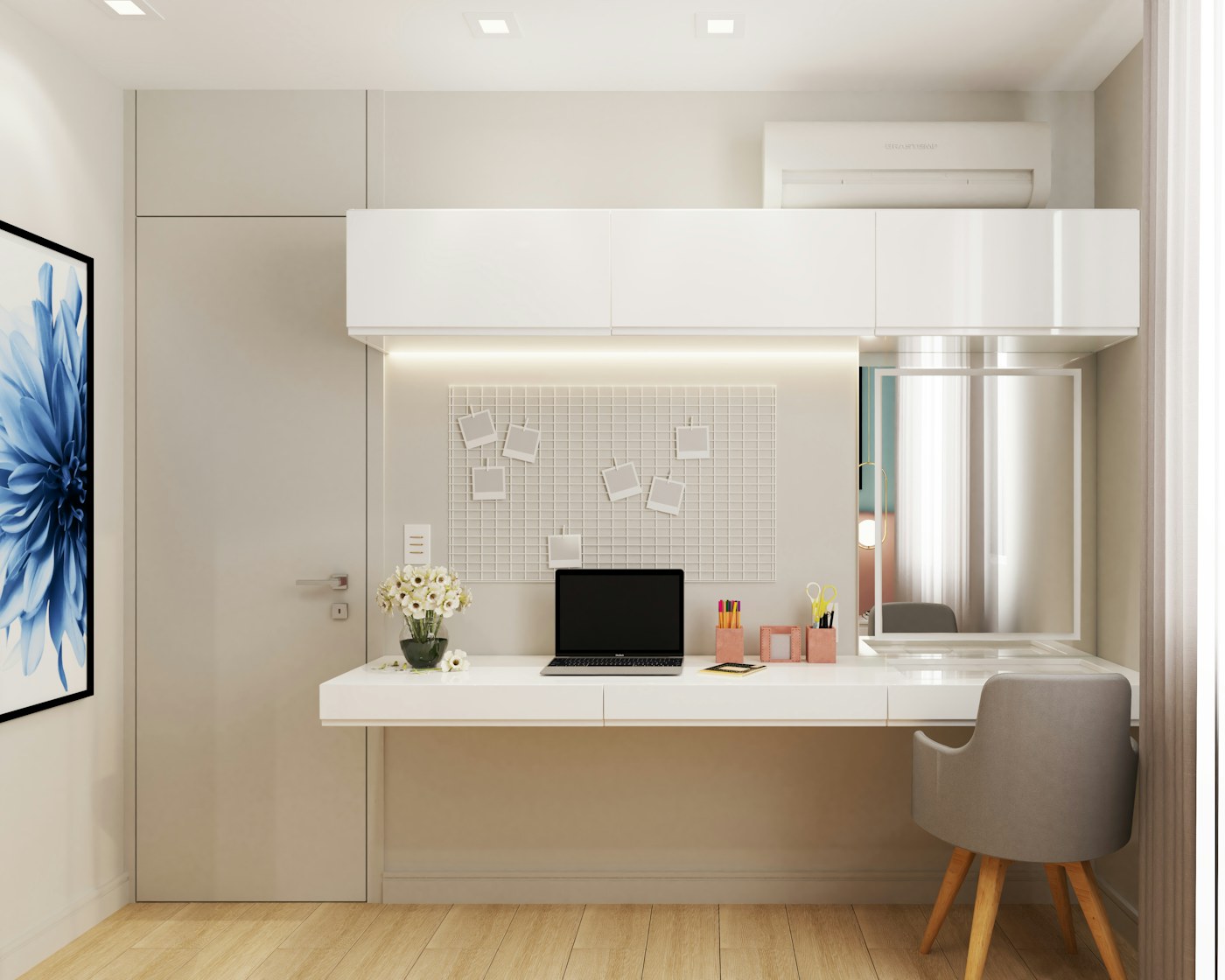
End-of-day rule: the desk returns to neutral
The final user of the day should leave only the agreed permanent items. Cups go to the kitchen, papers to the correct file or inbox, chargers to their home, and personal gear back into its kit.
This is not about creating a staged-photo desk. It is about giving tomorrow’s first user a clear starting line.
When one person is much messier
Do not make “keep the desk tidy” the rule. Make the rule physical: your work kit must fit inside your assigned container when you leave. A container limit is easier to enforce than a subjective standard of neatness.
When a child shares the desk with a parent
Keep school materials in one reachable homework kit and adult work materials in a separate kit. Avoid storing hazardous office tools, medicines, batteries, or confidential papers in child-accessible containers.
The existing shared homework and work station guide is useful if the desk supports family study as well as paid work.

My shared-desk checklist
- Can each person set up in one trip?
- Can the desk return to neutral in under two minutes?
- Does each person have bounded storage?
- Are cables clearly assigned?
- Can chair and screen positions adjust quickly?
- Is there a backup location for rare overlaps?
- Are sensitive materials stored securely?
My conclusion
One desk can serve two people when the person travels to the desk as a kit. The moment both setups try to live permanently on the surface, the desk stops being shared and becomes contested storage.
Keep the desk neutral, make each setup portable, and design the changeover before buying more furniture.
Frequently asked questions
Should two people share one desk drawer?
Only for genuinely shared supplies. Personal work gear is easier to manage when each person has a separate bounded container or shelf section.
What if both people need a monitor?
A shared monitor can work if connections and adjustments are simple. If both need to work simultaneously, a second work surface may be more practical than trying to fit two permanent stations onto one small desk.
How do we stop the desk becoming a drop zone?
Keep non-work household categories off the desk and restore the neutral desktop after the final session each day.
