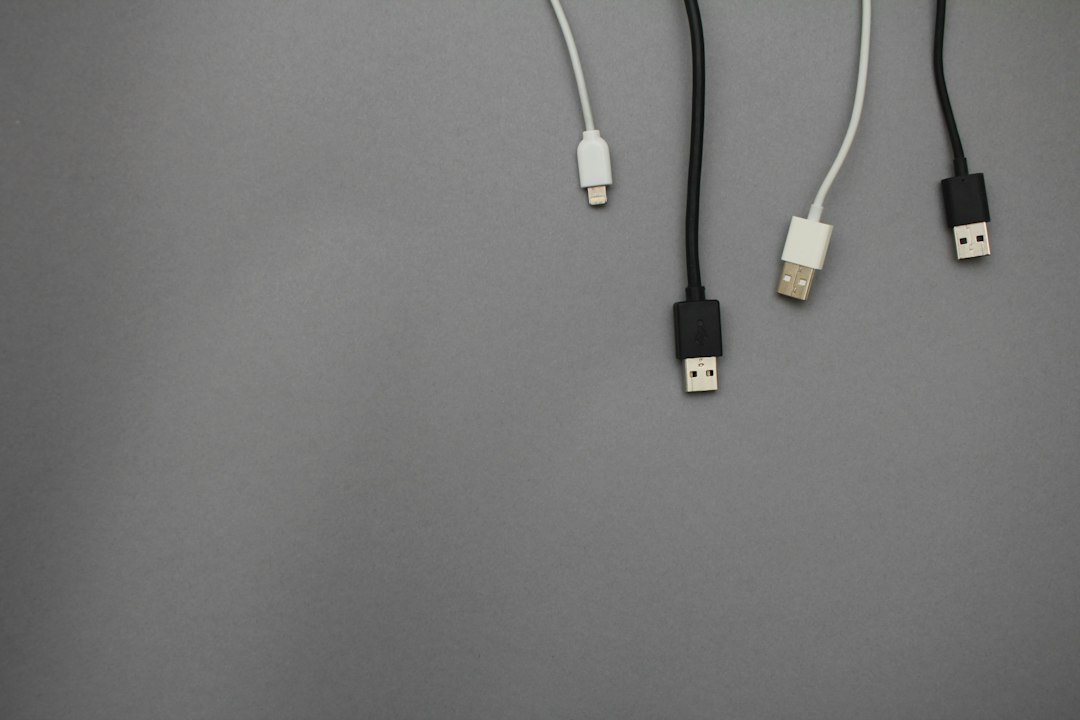
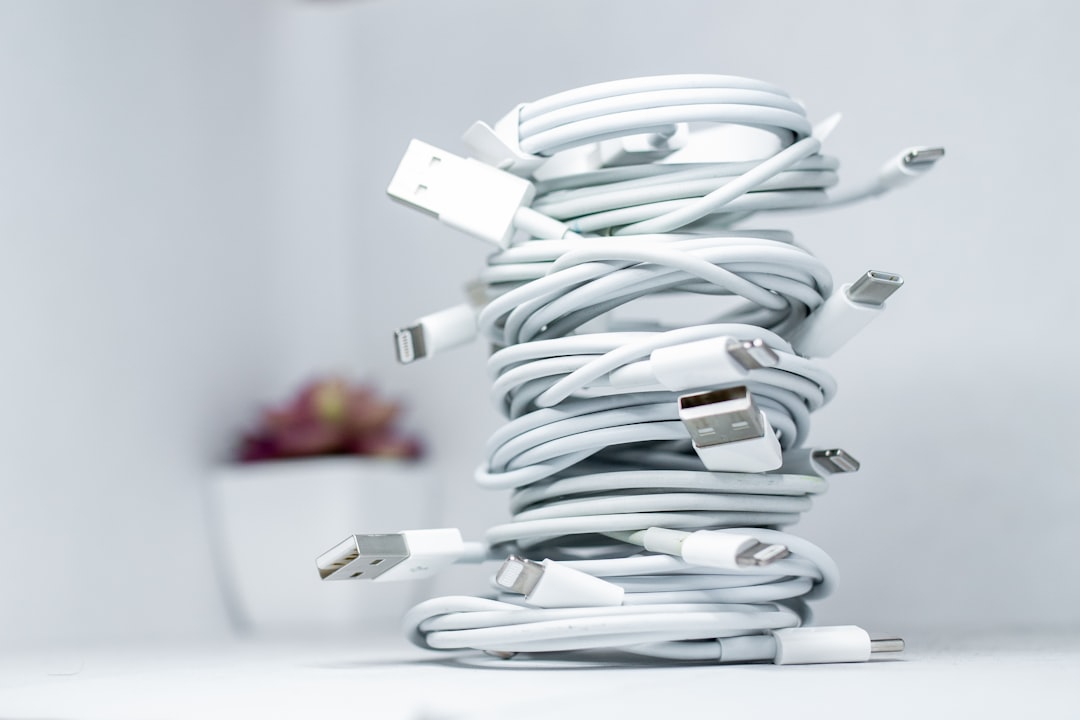
Cables take up almost no space individually. Somehow, a drawer full of them still becomes impossible to use.
The real problem is uncertainty. You do not know which cable belongs to which device, which one still works, or whether the “extra” is actually needed. The solution is not a bigger tech drawer. It is separating daily charging from spare technology.
Create one daily charging zone
Choose the place where phones, watches, headphones, tablets, or school devices usually charge. Keep only the cables needed there.
A nightstand, kitchen shelf, entry console, or home-office desk can work depending on your household.
Remove cables that belong to specific devices
Printer cables stay with the printer. Camera cables stay with camera equipment. Specialty appliance cords stay with the appliance when practical.
This reduces the number of mystery cords in general storage.
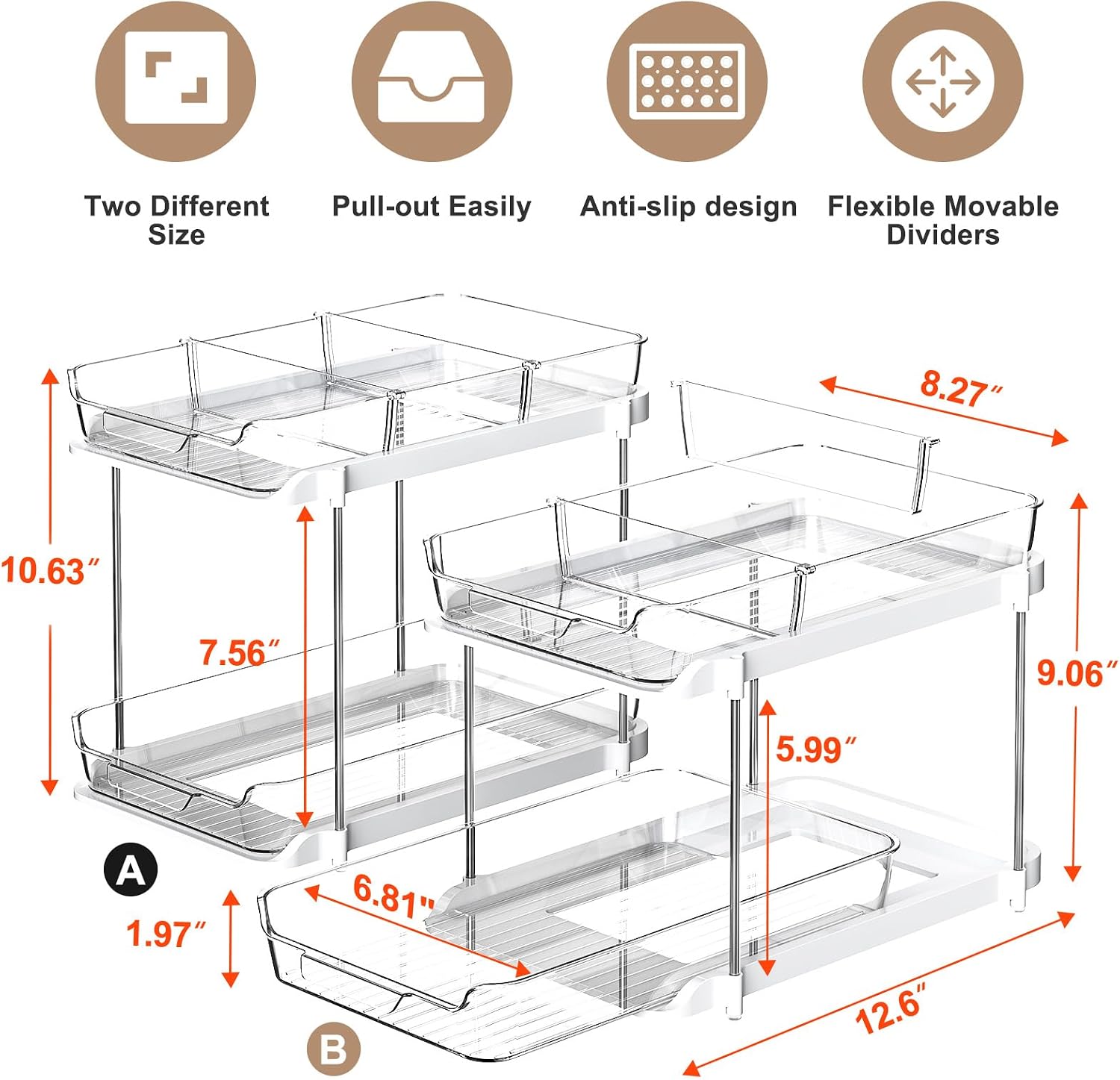
Create one small spare-cable box
Use one limited container for genuinely useful extras: USB-C cables, older connectors still used in the home, travel chargers, and adapters.
When the box is full, review before adding more.
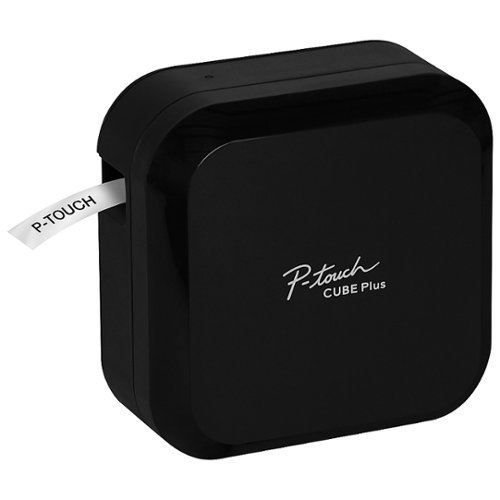
Label the unusual ones
Do not label every obvious charging cable. Label the ones you only recognize once a year: monitor adapter, camera charger, travel plug, specialty device cord.
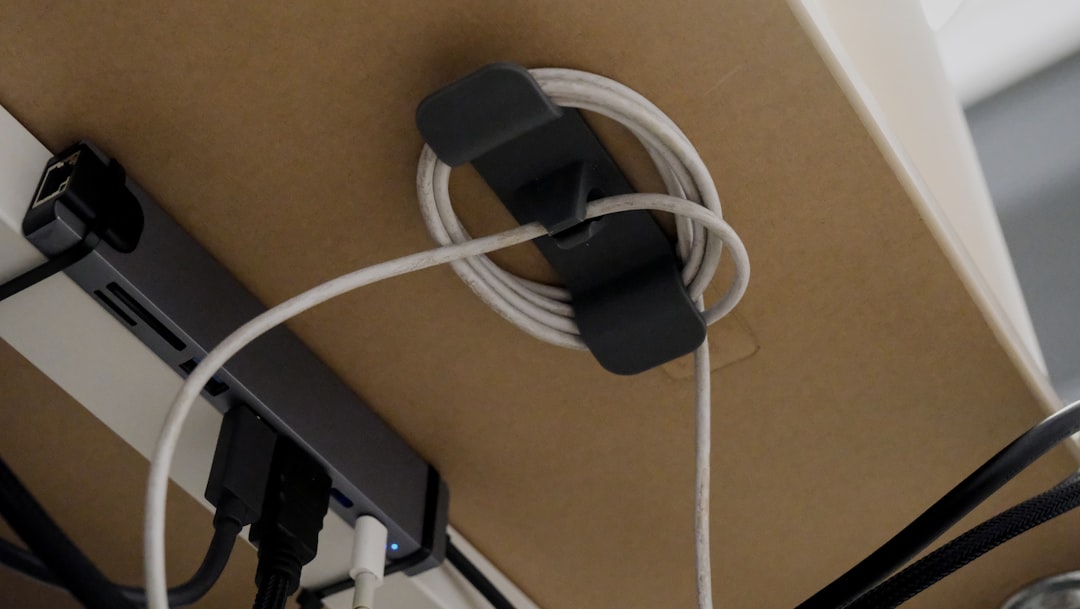
Use the 90-day mystery-cable rule
If you cannot identify a cable, place it in a small dated “mystery” bag. If no device needs it over the next few months, verify that it is not required before recycling or disposing of it appropriately. You may also find How to Air-Dry Laundry in a Small Apartment Without Letting It Take Over the Room useful for a closely related small-home problem.
Do not keep unidentified cords forever just because they might belong to something.
Keep cable length appropriate to the location
Very long cables create extra visual clutter on small desks. Use a length that comfortably reaches the outlet without stretching or creating a trip hazard. For a related step-by-step approach, see How to Create a Quiet Homework Zone in a Small Family Home.
Keep power strips off the active work surface
Where safe and appropriate, place power strips so they support the setup without taking over the desk. Follow product and electrical safety instructions. For the broader setup, How to Create a Home Office in a Small Space Without a Dedicated Room is a useful next read.
Do not store dead electronics with working accessories
If a device is no longer used, handle the device and its charger as one decision. Keeping the charger after the device leaves creates future confusion.
Build a travel charging kit
If you travel regularly, keep one compact set of the cables you repeatedly pack. A dedicated travel set reduces the need to dismantle the home charging zone. If you are working on the same space, How to Set Up a Shared Homework and Work Station in a Small Home covers the next decision in more detail.
The five-minute cable reset
- return daily chargers to their stations,
- put specialty cords with their devices,
- move useful extras to the spare box,
- label one mystery cable,
- remove broken or obsolete items for appropriate recycling.
Pair cable control with the home office
For a compact daily workspace, see How to Keep a Small Home Office Tidy When You Work There Every Day.
Frequently asked questions
How many spare charging cables should I keep?
Keep enough for the devices and travel needs your household actually has. Let one small container set the limit.
Should I coil cables tightly?
Store cords in a way that follows the manufacturer’s guidance and avoids damaging connectors or creating sharp bends.
What do I do with old cables?
Check local electronics recycling or e-waste options rather than putting electronic accessories into general waste where prohibited.
Every cable should answer one question: what is it for?
Daily chargers need a station. Specialty cords belong with their devices. Spares get one small container. Everything else should be identified, tested, and either assigned a role or moved toward appropriate recycling.