You do not need a dedicated room to create a functional home office. You need a reliable work surface, a chair that supports the amount of time you work, a place for essential tools, and a routine that lets the space return to normal when work ends. For a related step-by-step approach, see How to Keep a Small Home Office Tidy When You Work There Every Day.
In a small home, the most practical goal is a repeatable work zone, not a permanent office aesthetic.
Choose the work zone by interruption level, not appearance
Look for the place where you can realistically work with the fewest disruptions. It may be a dining-table end, bedroom corner, living-room wall, hallway nook, or multipurpose room. For the broader setup, How to Reset a Multipurpose Room Between Work, Play, and Guests is a useful next read.
Ask three questions:
- Can I sit here for the time I actually work?
- Can I access power without creating a trip hazard?
- Can the work setup disappear or shrink when the room changes function?
Decide whether your office is permanent or resettable
A permanent micro-office can stay assembled all week. A resettable office shares a dining table, console, or bedroom surface and needs a shutdown routine.
Do not mix the two models. If the dining table must be clear every night, build storage around fast setup and takedown.
Keep only daily tools at arm’s reach
Most small work zones need less than expected:
- computer and charger,
- headphones,
- notebook or one active paper folder,
- pen,
- water,
- task-specific tools.
Archive files, spare stationery, cables, packaging, and rarely used equipment can live elsewhere.
Use one portable work container
If the office resets daily, use a caddy, laptop sleeve, drawer, or small basket for the tools that travel with you.
The container should make setup easier than leaving everything spread across the table.
Control cables before buying organizers
Decide which devices truly need to be connected every workday. Keep one charger route simple and avoid storing a pile of unidentified cables beside the desk. If you are working on the same space, How to Keep a Small Bathroom Clean Between Deep Cleans covers the next decision in more detail.
Label specialty cables only when confusion is a recurring problem.
Create a start-of-work routine
- set up computer,
- bring the work container,
- open only the documents needed for the current task,
- clear unrelated household items from the work surface.
A short start routine helps a shared surface become an office without adding permanent furniture.
Create an end-of-work shutdown
- save and close work,
- return loose paper to the active folder,
- put charger and headphones into their home,
- remove cups and dishes,
- restore the room’s next function.
This is especially important when the office shares space with meals, sleep, or family activities.
Use vertical space only for low-friction storage
A small shelf or wall organizer can help if the zone is permanent. But do not create a complicated filing wall for work that is mostly digital. If you are working on the same space, How to Create a Quiet Homework Zone in a Small Family Home covers the next decision in more detail.
Store only what reduces daily setup time.
What if you work at the dining table?
Keep one end or one seat as the work position. Use a portable caddy and one active-document folder. At shutdown, the table should return to dining use without relocating ten separate office objects.
What if the office is in the bedroom?
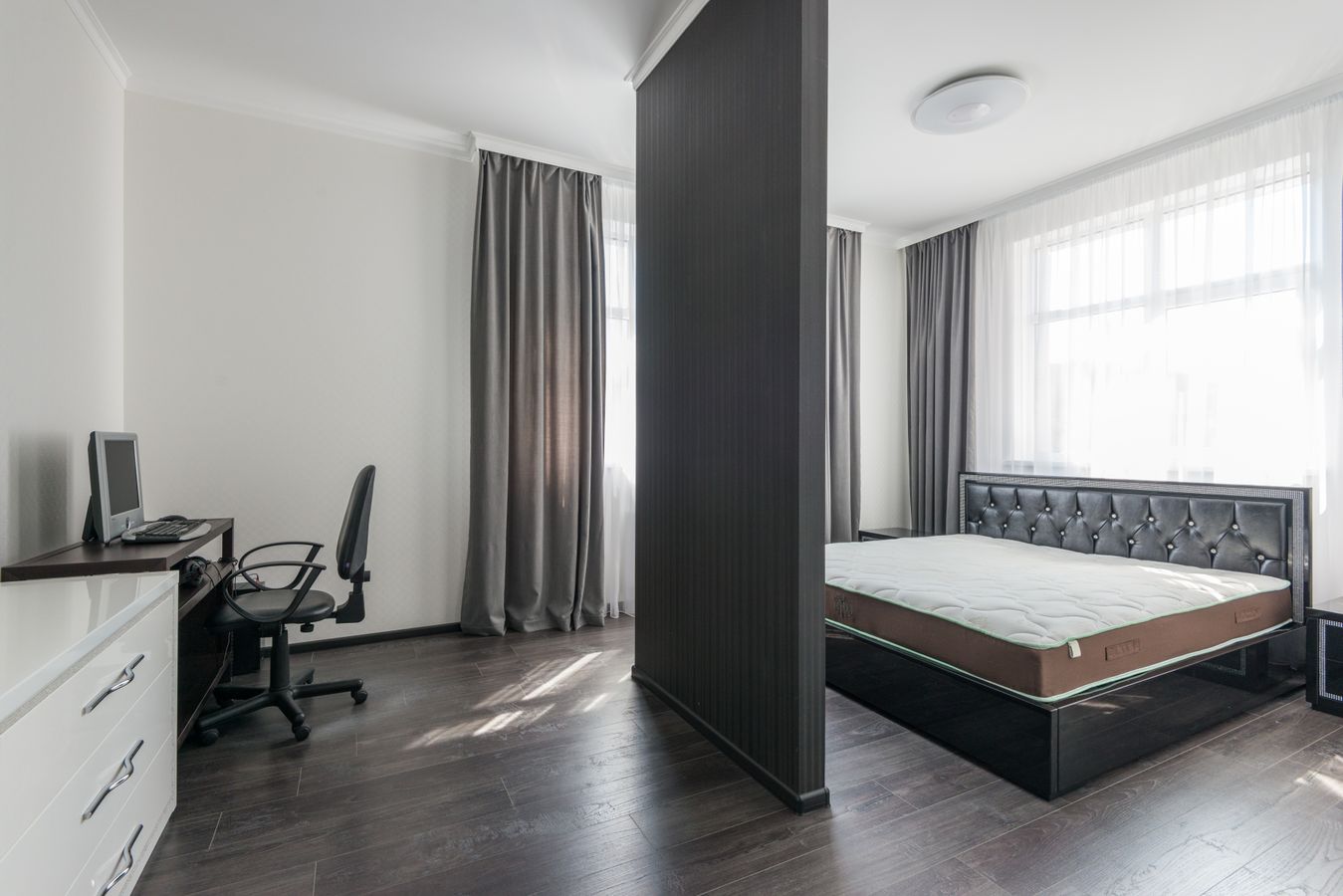
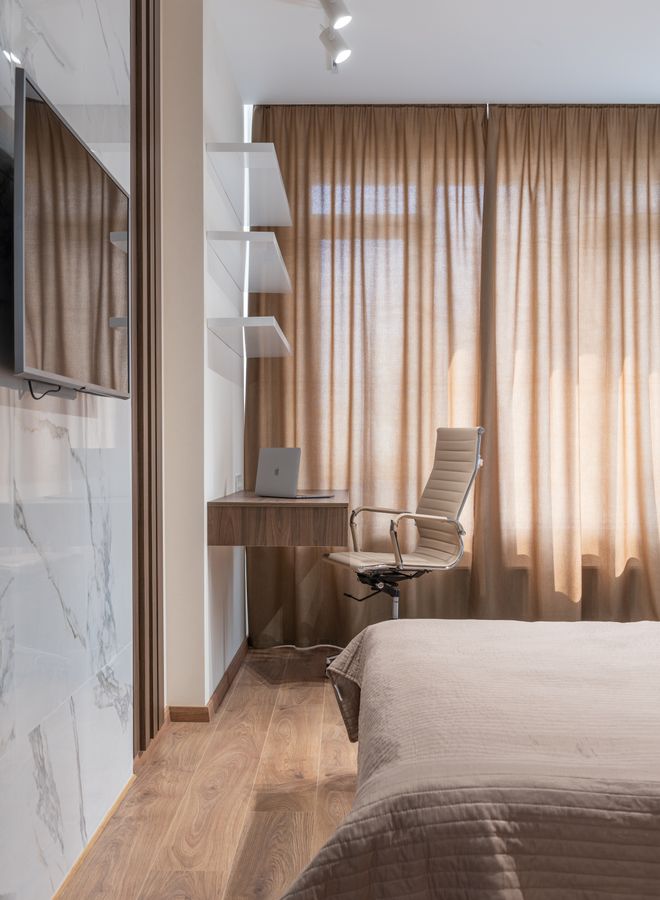
Use visual boundaries: a narrow desk, small lamp, closed work container, or a chair that tucks fully under the desk. The goal is to prevent work tools from spreading onto the bed and nightstand.
What if two adults work from home?
Assign separate work containers and, where possible, separate call zones. Shared stationery can live centrally, but laptops, chargers, headsets, and active papers should have individual homes.
A weekly home-office reset
- remove trash and cups,
- archive completed paper,
- return wandering office supplies,
- check charging cables,
- wipe the work surface,
- review whether anything on the desk went unused all week.
Use multipurpose furniture carefully
A console can become a desk, a dining table can become a workstation, and a guest room can host a work zone. But the furniture only saves space if the transitions are easy.
For a room that changes function more broadly, see How to Make One Small Room Work for Two or Three Purposes.
Keep paper from rebuilding a home office around you
If your work produces paper, maintain one active folder and one archive destination. Do not let every document become desktop storage.
For households without a dedicated filing room, see A Home Filing System for Families With No Home Office.
A small-space office checklist
- ☐ reliable work surface,
- ☐ appropriate chair for the work duration,
- ☐ simple power access,
- ☐ one daily tool zone,
- ☐ one active paper folder,
- ☐ shutdown routine,
- ☐ room can return to its non-work function.
Frequently asked questions
Where should a home office go in a small apartment?
Choose the location with the best combination of usable surface, power access, seating, and low interruption. A less photogenic corner that supports focused work is better than a beautiful but impractical one.
Do I need a desk?
No. A dining table or console can work if the setup can be comfortable enough for the duration and can reset when needed.
How do I keep work from taking over the room?
Limit work tools to one zone and use a consistent shutdown routine that returns portable items to one container.
A home office can be a routine instead of a room
In a small home, consistency matters more than square footage. Build one work zone, keep daily tools close, reduce paper and cable sprawl, and create a shutdown that gives the shared room back to the household.