Paper clutter is one of the few home-organization problems that can become invisible without actually becoming simpler. Scan a stack of documents and the dining table is clear, but the information may now be scattered across downloads, screenshots, email attachments, cloud folders, and phone photos. If you are working on the same space, How Two People Can Share One Small Home-Office Desk Without Leaving Both Setups Out covers the next decision in more detail.
The opposite problem is just as common: every document is kept “just in case,” so a small home gradually gives prime storage to papers that have not been touched in years. You may also find Small Home Office Storage Review: Shelves, Drawers, Carts, or Wall Files? useful for a closely related small-home problem.
I do not recommend a paperless goal. I recommend a retrieval goal: keep each record in the format that makes it easiest to prove, act, reference, or recover when needed.
First separate active papers from records
This distinction solves more paper clutter than any filing cabinet.
Active papers still require a decision or action: a form to sign, bill to review, return label to use, school notice to respond to.
Records are finished information kept for future reference.
Do not file active papers into permanent storage. That hides unfinished work.
The 15-minute weekly paper and bill reset is useful because it handles the active layer before anything reaches the archive.

Paper still has advantages
Physical records are independent of passwords, file formats, dead batteries, and cloud accounts. They can be handed to another person immediately and, for some documents, the original itself may matter. You may also find How to Store Batteries, Light Bulbs, and Small Maintenance Supplies Safely useful for a closely related small-home problem.
Paper is also easier for some households to understand collectively. A clearly labeled folder can be more accessible than a digital directory known only to one person.
Digital records have different strengths
Digital files are searchable, duplicable, portable, and space-efficient. They are especially useful for reference documents that do not require an original: appliance manuals, many receipts, household inventories, insurance photos, school reference material, and scanned copies of records used for quick access.
But digital convenience depends on naming, backup, and retrieval discipline. “IMG_4827.jpg” is not a filing system.

Category 1: documents where the original may matter
Identity, legal, ownership, signed, or other important original documents should be evaluated according to the requirements that apply to that specific document. Do not destroy an original simply because a scan exists.
These papers deserve protected, clearly labeled physical storage rather than a general household-paper box.
The existing guide to where to store important documents in a small apartment focuses on the physical-location question once you know what must remain on paper.
Category 2: action papers
Keep these physical only as long as the physical page helps the action. A school form that must be signed tomorrow should remain visible in an active zone. Once submitted, decide whether any copy needs to remain.
Scanning unfinished papers too early often makes them easier to forget.
Category 3: reference documents
This is where digitizing often earns its effort. Manuals, instructions, policy references, room measurements, paint colors, and product information can be easier to search digitally than to store physically.
I would not scan every page automatically. Ask whether you are likely to retrieve the information and whether the digital file improves that retrieval.
Category 4: receipts
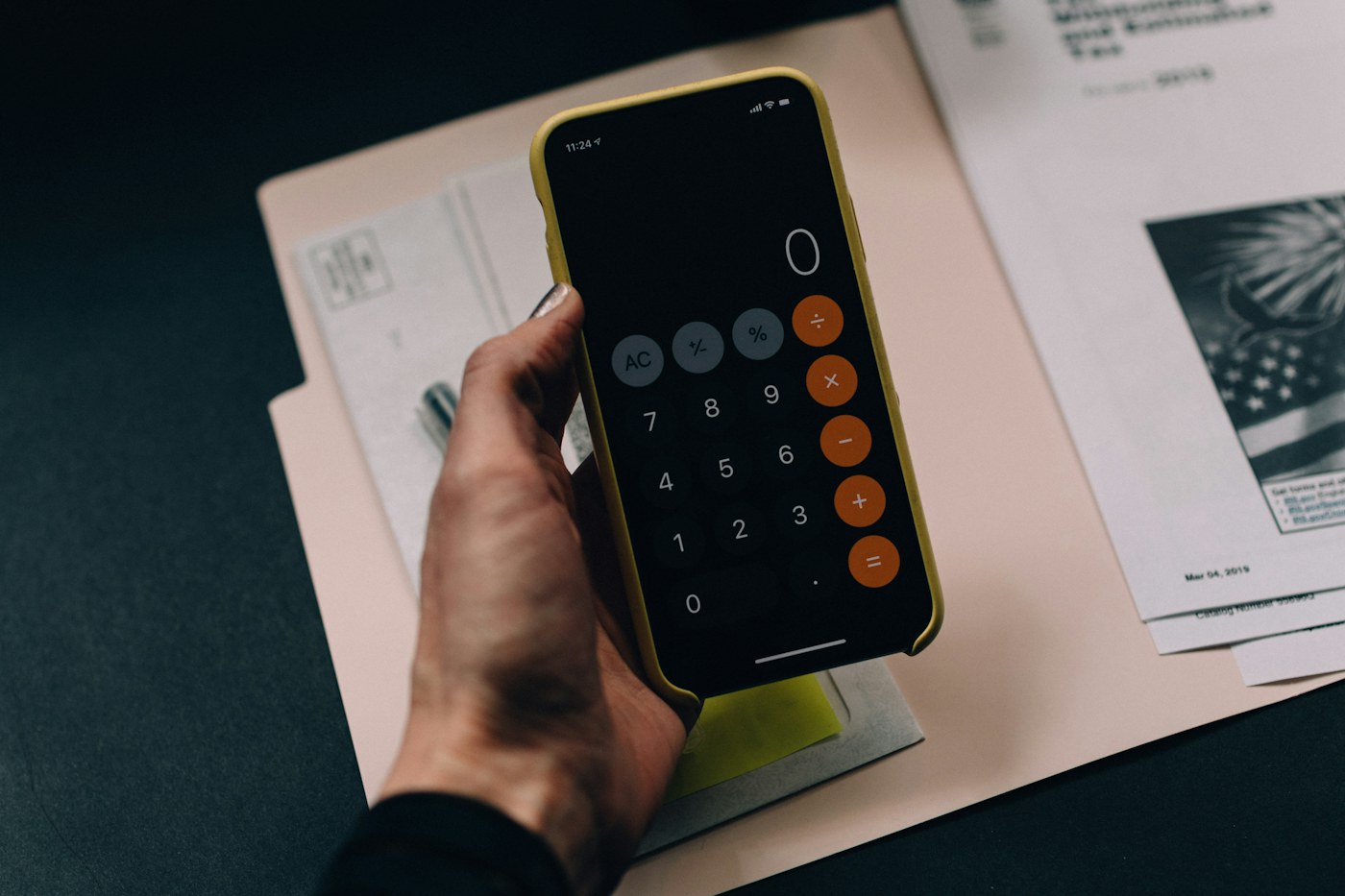
Receipts need a reason to stay. The reason might be a return window, warranty, reimbursement, tax record, or proof of a significant purchase. Small everyday receipts with no future purpose should not become a permanent category.
For retained receipts, a digital copy can be useful because thermal paper may fade, but the retention requirement depends on why the receipt is being kept.
Category 5: school papers
School paperwork contains several distinct categories: action forms, calendars, reference information, completed work, and sentimental pieces. Treating all of them as “school papers” guarantees overstorage.
Action forms belong in the active workflow. Reference information can often be digitized or placed in a short-term family binder. Sentimental work should have a separate capacity limit.
If this is a major pain point, see how to organize school papers without keeping everything.
Do not scan clutter just to keep it forever
Digitizing feels productive because the physical pile disappears. But every scan still creates a future retrieval decision. If the information has no likely use, deletion may be the better option.
I use this rule: decide before you digitize. Scan only after deciding the information deserves to remain.

A practical digital naming system
File names should answer three questions without opening the document: what is it, whose/which item is it, and when does it relate to? If you are working on the same space, How to Organize a Small Home Office When Your Desk Has No Drawers covers the next decision in more detail.
Examples:
2026-09-school-field-trip-form.pdfwasher-warranty-2026.pdfhome-insurance-policy-2026.pdf
Consistency matters more than complexity.
Use folders by retrieval logic, not by where the paper came from
Good digital folders might include Household, Insurance, School, Taxes, Major Purchases, Home Maintenance, and Personal Records. Avoid creating dozens of tiny folders before the volume justifies them.
Shared households need shared access
A record system fails when one person knows everything and nobody else can retrieve it. Decide which records require shared household access and document how they are found.
The physical equivalent appears in a home filing system for families with no home office: the structure should be understandable to more than one person.

What belongs in a small physical file box?
I would reserve physical space for a relatively small group:
- important originals,
- records whose physical format is specifically useful,
- current-year household paperwork where paper is easier,
- a limited number of reference documents that are repeatedly handled physically.
If the file box grows every year without older material leaving, add a review date rather than a larger cabinet.
What belongs in digital storage?
Good candidates include:
- searchable reference documents,
- manuals and product information,
- copies of important records for backup/reference,
- photos supporting insurance or household inventory,
- receipts retained for a defined reason,
- records that several household members need remotely.

The hybrid system I recommend
Use three layers:
- Action inbox: physical and temporary.
- Physical archive: small, protected, deliberate.
- Digital archive: searchable and backed up according to your household needs.
This is more resilient than forcing every document into one format.
A quarterly paper review
Four times a year, empty the active-paper area, review retained receipts, remove expired reference material, and check whether physical files still justify their space.
If paperwork is already spread across several rooms, small apartment paper organization provides a broader workflow for consolidating the incoming stream first.

Digital storage needs a backup rule
Digitizing reduces physical volume, but it also creates dependence on devices and accounts. Important digital records should not exist in only one location. The exact backup method depends on the household, but the principle is simple: if losing the file would create a serious problem, one copy on one laptop is not enough.
Keep the backup process simple enough that it actually happens. A complicated archive strategy maintained by only one person is fragile.
Privacy should influence format decisions
Not every document belongs in a casually shared folder or an unlocked desk drawer. Sensitive records need storage appropriate to their contents, whether physical or digital. The filing system should distinguish between ordinary household reference material and documents that require tighter access control.
This is another reason a single giant “Family Documents” folder is too broad. Security and retrieval needs differ.
What I would never digitize just for the sake of it
I would not spend time scanning information that can be easily found again, has no future action, or is already reliably available through a source you use. Old instruction sheets, expired notices, generic brochures, and low-value reference pages often do not deserve a digital afterlife.
Scanning is a storage decision, not a ritual.
How to handle family records when there is no home office
If paperwork lives in a kitchen or dining area, keep the physical system intentionally small. One action inbox and one compact archive are usually easier to maintain than several decorative paper stations.
The broader guide to organizing important family papers in a small home can help define the overall flow before the paper-versus-digital decision is applied.
A yearly archive review
Once a year, review the physical archive and the digital archive together. Remove documents that no longer need retention, rename ambiguous digital files, and verify that important originals are still where the household expects them to be.
This prevents the digital system from becoming an invisible version of the same filing-cabinet clutter you were trying to avoid.
Use retrieval time as the real performance metric
Once the system is built, test it. Pick five common records and time how long it takes to find each one. If a tax document, warranty, school form, or insurance record takes several minutes of searching, the filing logic is too complicated even if the folders look tidy.
A good record system should make common retrieval almost boring: open the right place, find the file, close it again.
My expert conclusion
Paper and digital records are not competing ideologies. They are two storage formats with different strengths.
Keep physical originals when the original has value. Keep active papers visible until the action is finished. Digitize reference information when search and portability improve retrieval. Delete information that has no future purpose instead of scanning it out of guilt.
In a small home, the goal is not to eliminate paper. It is to make sure every retained document earns either physical space or digital attention—and can be found when the household actually needs it.