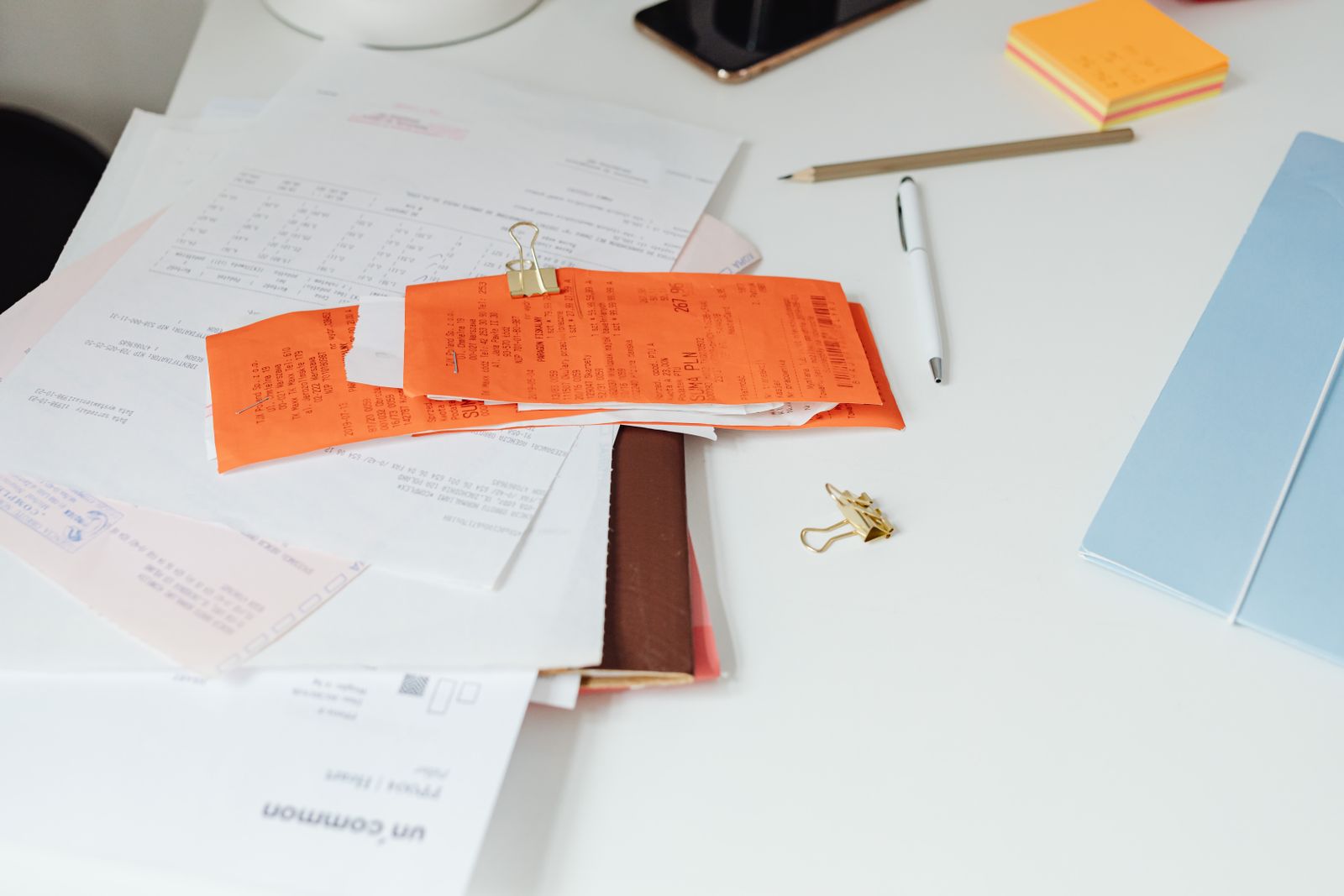
Manuals, warranty cards, serial numbers, and major-purchase receipts are easy to ignore until something breaks. In a small home, the problem is rarely a lack of storage. It is that product records are scattered between kitchen drawers, email inboxes, retailer accounts, and boxes that nobody wants to reopen. You may also find How to Organize a Small Home Office When Your Desk Has No Drawers useful for a closely related small-home problem.
The goal is not to archive every scrap of paper. It is to build a compact record system that lets you answer three questions quickly: what do we own, where is the proof of purchase, and what information would we need if it failed today? For a related step-by-step approach, see A 15-Minute Weekly Paper and Bill Reset for a Small Home.
Start with active products, not old paperwork
Walk through the home and list the appliances, electronics, furniture, tools, and higher-value household items you still own. Use that list as the skeleton of the file system. This keeps the project tied to real possessions instead of turning into a paper archaeology exercise.

Create one record per important item
For each product, keep the model number, serial number, purchase date, retailer, warranty end date if known, and a copy of the receipt when useful. Large appliances may deserve a paper folder; smaller products can live in a digital folder with the same naming rule.
A simple filename such as 2026-04-12 — Dishwasher — Brand Model — Receipt.pdf is much easier to search than scan0043.pdf.
Do not keep manuals just because they came in the box
Many current manuals can be downloaded from the manufacturer. Before keeping a thick booklet, check whether the exact model manual is available online. If it is, save a PDF or the official product-support link and recycle the duplicate paper unless there is a reason to retain the original.
Separate proof from instructions
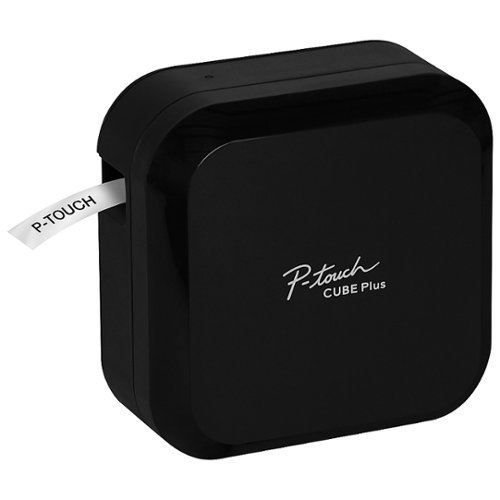
Receipts and warranty documents prove a purchase or coverage relationship; manuals explain operation. Store them together under the same product name, but label the files distinctly so you do not have to open five PDFs during a claim. For the broader setup, Best label maker for home organization is a useful next read.
Use one physical container with a capacity limit
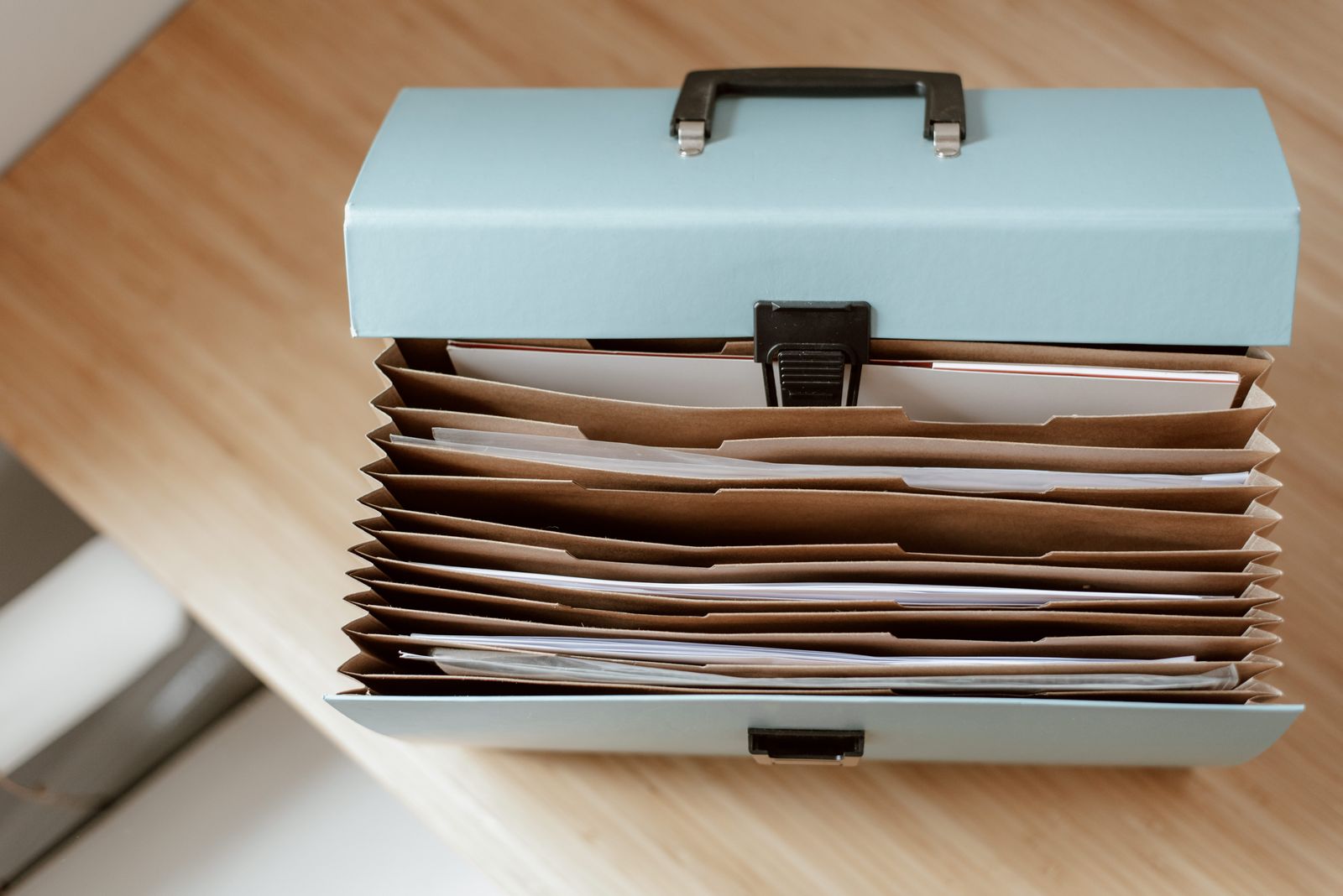
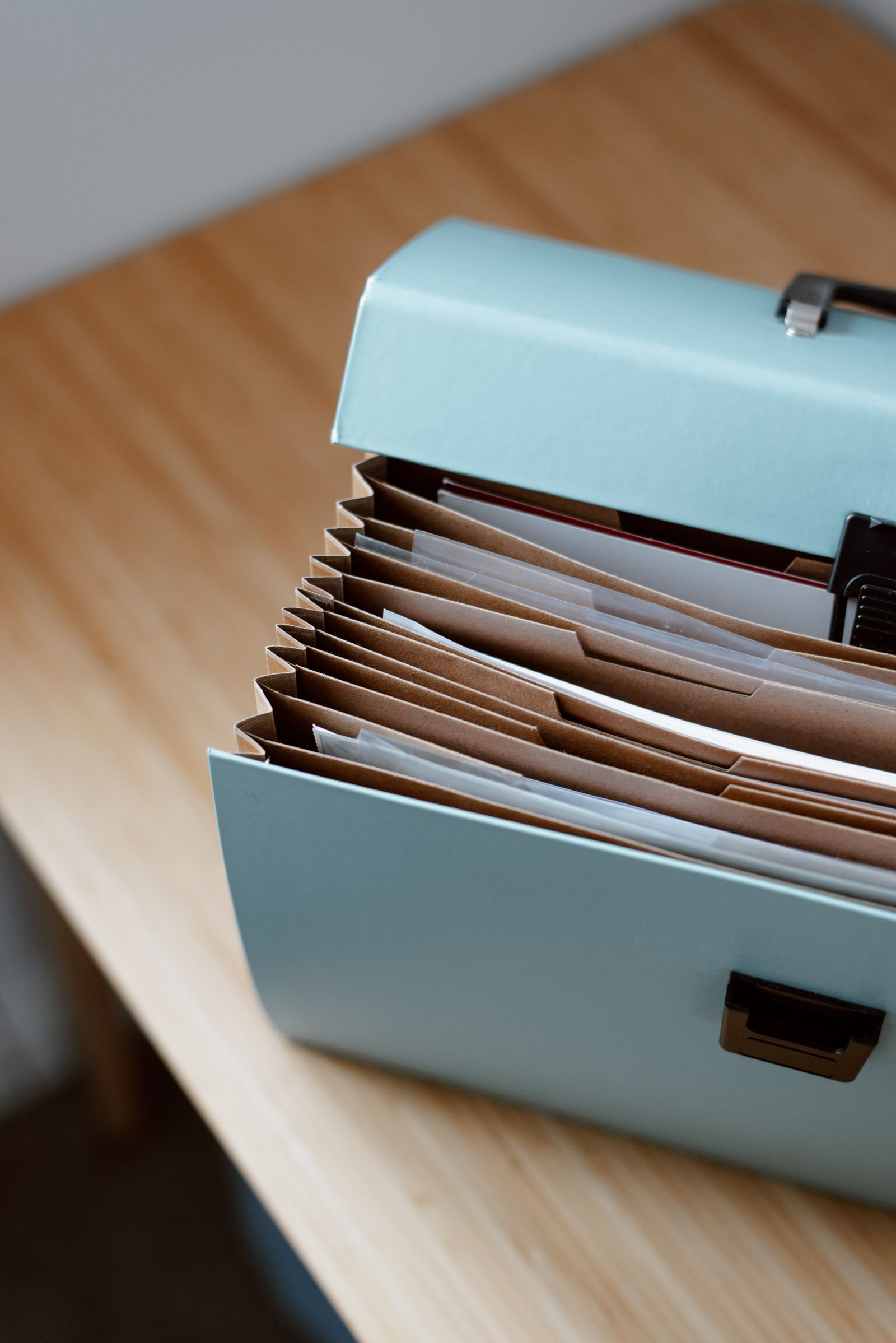
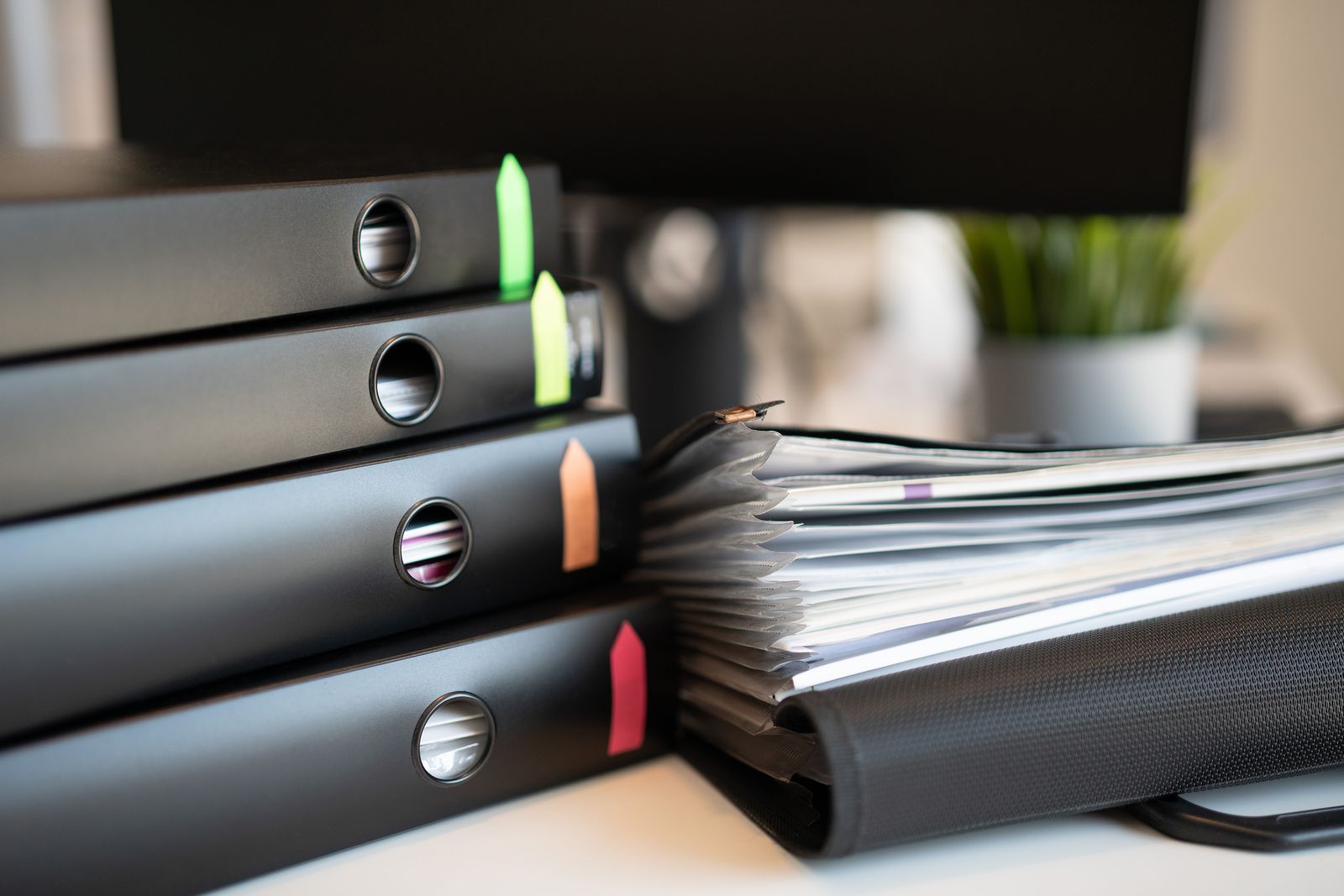
For paper that truly needs to stay physical, use one expanding file, slim file box, or binder that fits the storage spot you actually have. Broad sections—Kitchen, Laundry, Electronics, Furniture, Tools—are usually enough. When the container fills, review old records before buying a second archive.
Photograph serial labels before installation hides them
Serial labels can end up behind refrigerators, under appliances, or against walls. Photograph them during setup and save the image in the item folder. That small habit can save a difficult move later.
Keep return-window paperwork separate
New purchases need quick access for a few weeks, while long-term warranty records need archive access. Use a temporary “Returns / New Purchases” pocket and move only the records worth keeping after the return period passes.

Record repairs as a short timeline
Add service dates, repair invoices, replacement parts, and claim numbers to the same product record. A two-line note is enough. The value is continuity when a problem repeats or the product is sold with the home.
Review twice a year
Remove records for donated, sold, or discarded products, unless tax, legal, or property-transfer needs require retention. Update new appliances, check warranty expirations, and verify that important digital files are backed up.

Protect sensitive information
Receipts, invoices, and registration records may include names, addresses, account details, or payment fragments. Do not put sensitive scans in public folders. Use a private storage location with appropriate account security, and shred documents that no longer need to exist.
Keep the system small enough to maintain
A record system succeeds when adding a new purchase takes less than five minutes. If your structure needs fifteen folders and a spreadsheet for every toaster, it will be abandoned. Save detail for the products where proof, warranty, repair history, or resale value genuinely matters.
Continue with Home Organization
For more small-home systems, browse Home Organization. Keep the Room classification as metadata until a verified Home Office hub is registered.
My conclusion
The most useful warranty system is not the most complete one. It is the one that connects each important product to its receipt, model information, manual, and repair history without creating another giant archive. You may also find How Two People Can Share One Small Home-Office Desk Without Leaving Both Setups Out useful for a closely related small-home problem.
Frequently asked questions
Should I keep every paper manual?
No. Keep paper when it has unique value; otherwise save the exact digital manual or official support link.
Where should receipts go?
Attach important receipts to the product record, and keep short-term return receipts in a separate active pocket.
What should I do when I get rid of an appliance?
Remove routine records during the next review unless you still need them for tax, legal, transfer, or reimbursement reasons.