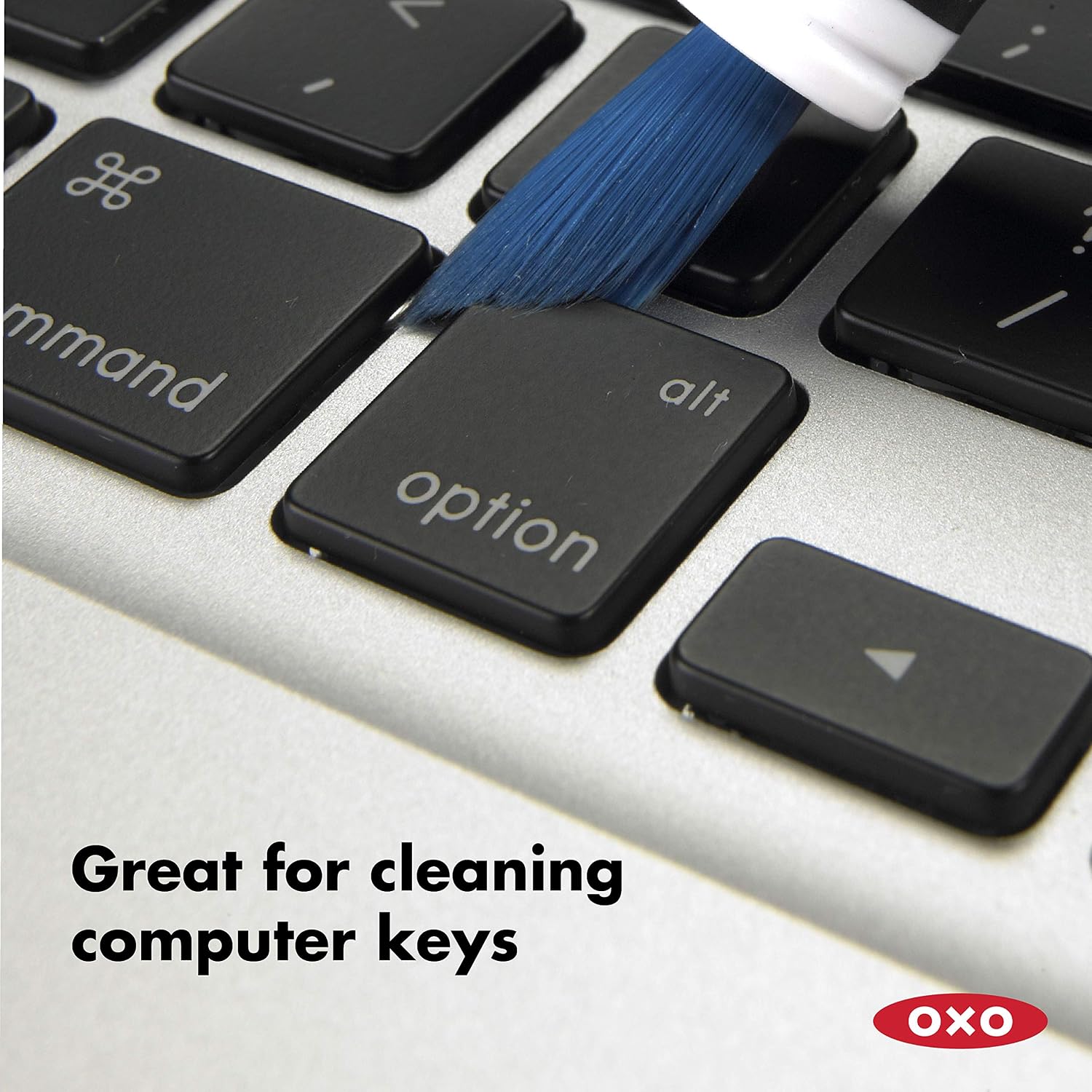
A keyboard does not always need a cleaning kit with a dozen attachments. Sometimes the problem is a visible line of loose dust around the keys. The OXO Good Grips Electronics Cleaning Brush offers a compact brush and silicone wiper for that kind of targeted task. Its usefulness depends on keeping the job narrow: loose debris, accessible surfaces and cleaning methods permitted by the device manufacturer. You may also find OXO Compact Toilet Brush and Canister Review: A Better Fit Beside a Small Toilet? useful for a closely related small-home problem.
Review scope: This is a research-based assessment of the linked product, not a hands-on test. Listed specifications are distinguished from our practical buying analysis. Offers and selected variants can change.
A dust problem is different from a spill problem
Look at the keyboard before choosing a tool. A light layer of loose particles around raised keys is different from a sticky key after a drink spill. A brush may help move the first kind of debris toward an accessible edge. It does not establish what happened beneath a key or repair a switch that no longer behaves normally.
That distinction keeps a small purchase useful. If you mainly need to wipe fingerprints from a broad surface, the device manufacturer’s recommended cloth may already be sufficient. Buy a narrow tool when the narrow spaces are the recurring difficulty, not because every desk accessory seems to need its own cleaning gadget.
Identify the correct OXO model
This review concerns the Electronics Cleaning Brush with a retractable bristle end and a silicone wiper. OXO also sells other electronics-cleaning designs. A similar brand name in a shopping result does not mean the attachments are identical. In particular, do not assume this version includes a broad microfiber screen-cleaning pad.
The two-ended layout is its main attraction. You can choose between brushing an accessible area and using the narrow wiper where the device’s care guidance permits contact. Having two shapes in one small tool is convenient, but neither shape can tell you whether a particular coating or opening is safe to touch.
Read the device instructions before using the tip
A product marketed for electronics is not automatically approved for every screen, lens, speaker grille or connector. Follow the cleaning instructions for the actual device, including any directions to switch it off or disconnect power. If those instructions specify a particular material, that takes priority over a general-purpose accessory’s marketing.
Do not insert the wiper into ports or push debris through openings. The visible gap around a keyboard key and the interior of a connector are different environments. If the work requires force, disassembly or uncertainty about a delicate component, it has moved beyond the simple surface-cleaning case that supports this purchase.
Think about where the dust will go
Brushing is useful only if the displaced material can be collected. Clearing dust from one edge of a keyboard onto a clean mouse mat merely relocates the task. Prepare a suitable work surface and follow the device’s guidance about position and handling rather than tipping unfamiliar equipment around without a plan.
For ordinary accessible dust, work in a way that lets you see the result. A gentle pass over one area followed by inspection is more informative than vigorous repeated brushing. We have not measured particle removal or tested scratch resistance, so there is no basis here for recommending pressure or a universal technique.
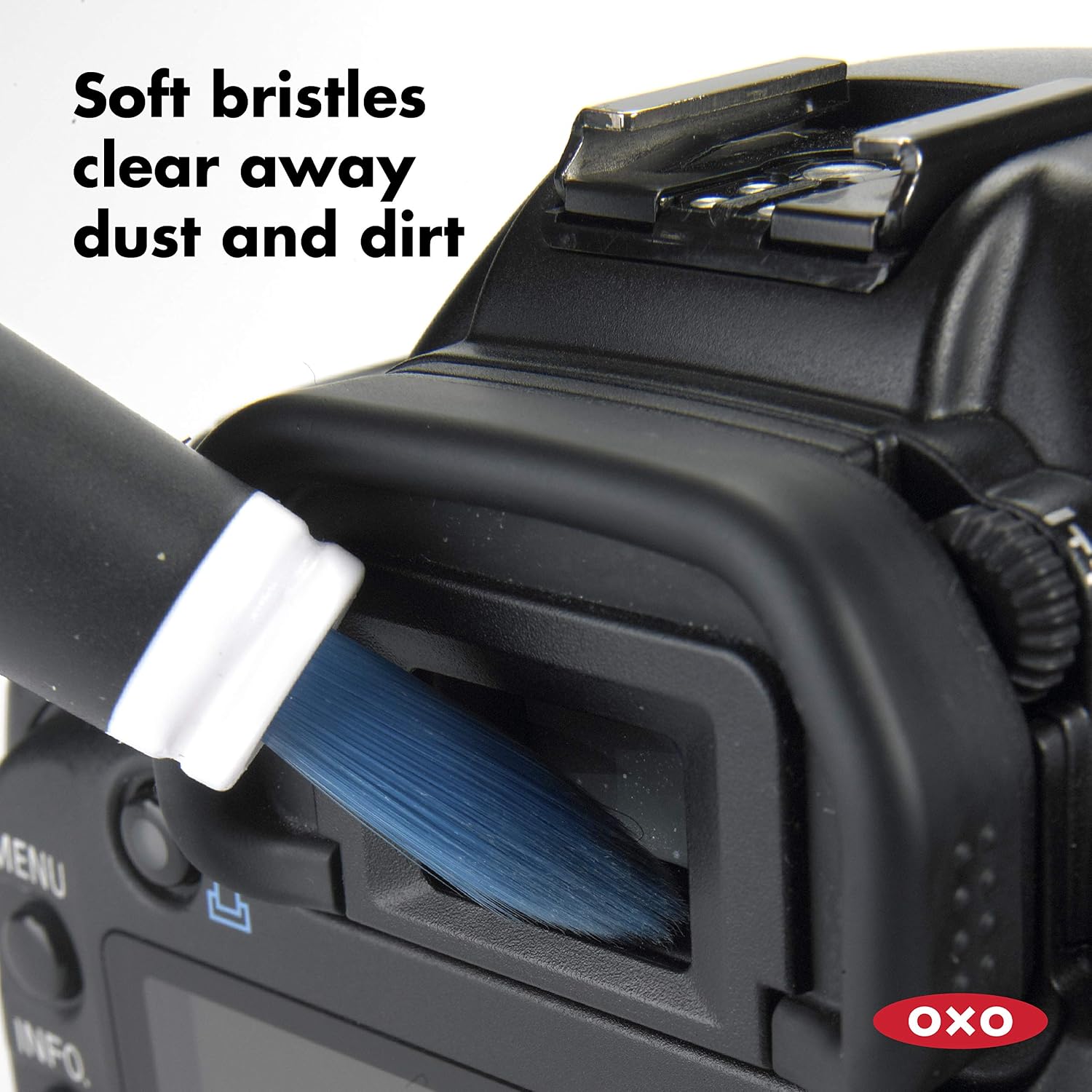
A small tool still needs a clean storage spot
The retracting mechanism and cap help contain the working ends between uses. They do not clean those ends. Inspect the brush before moving from a dusty keyboard to another device, and follow OXO’s care directions when the tool itself needs attention. Grit carried on bristles is a reason to stop and clean the tool, not to keep brushing harder. You may also find Rubbermaid reveal vs oxo deep clean brush bathroom useful for a closely related small-home problem.
Give it a shallow drawer section or another easy-to-find place near the desk. If it disappears into a box of cables, the convenience of its compact design is largely lost. Avoid storing it loose with food crumbs or other dirty cleaning tools, especially if it is intended for more than one piece of equipment.
Where a cloth is the better starting point
A broad keyboard surround, monitor stand or desk surface usually does not need the precision of a small brush. A suitable cloth used according to the surface maker’s instructions may cover that area more efficiently. The OXO should complement that method where access is awkward rather than replace it everywhere.
Sticky residue is another boundary. A dry brush can spread material without removing it, and the silicone tip is not a universal scraper. Use the approved cleaning method for the device and substance involved. This review makes no disinfection claim and does not recommend improvised liquids, solvents or combinations of cleaning products.
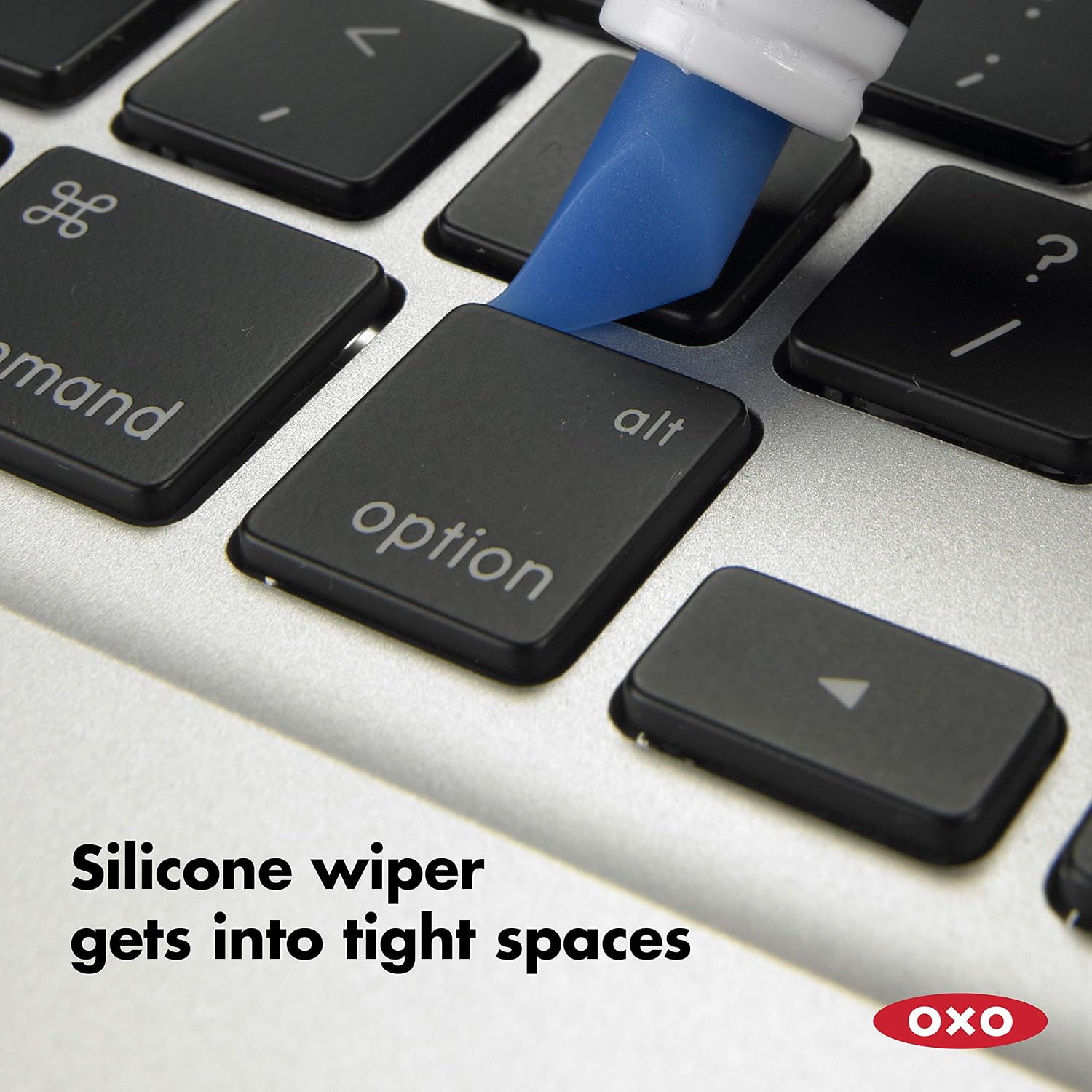
Assess it during ordinary desk resets
The useful question after a few uses is whether the brush reaches the accessible places your usual cloth misses. Notice whether you can control where the dust goes, whether both ends have a real job and whether storing the tool is effortless. These observations are more relevant than how many accessories a competing kit includes.
If only one end gets used, that is not necessarily a failure. A simple tool can be worth keeping for one repeated task. But if your keyboard is mostly flat and wipes clean easily, a dedicated brush may add little. The correct conclusion can be that the equipment you already own is enough.
The value case for a shared small desk
On a shared desk, cleaning supplies need to be understandable to more than one person. A compact brush is easy to put away, but it should be clear which surfaces it is intended for and which methods the devices require. Do not let the presence of a silicone tip encourage improvised scraping by someone unfamiliar with the equipment.
Our recommendation is conditional: consider this model for recurring loose surface dust in accessible spaces. We have not tested bristle shedding, long-term mechanism wear or performance against alternative brushes. Those limits prevent a “best electronics cleaner” claim, but they do not prevent a useful assessment of the specific problem it is designed to address.
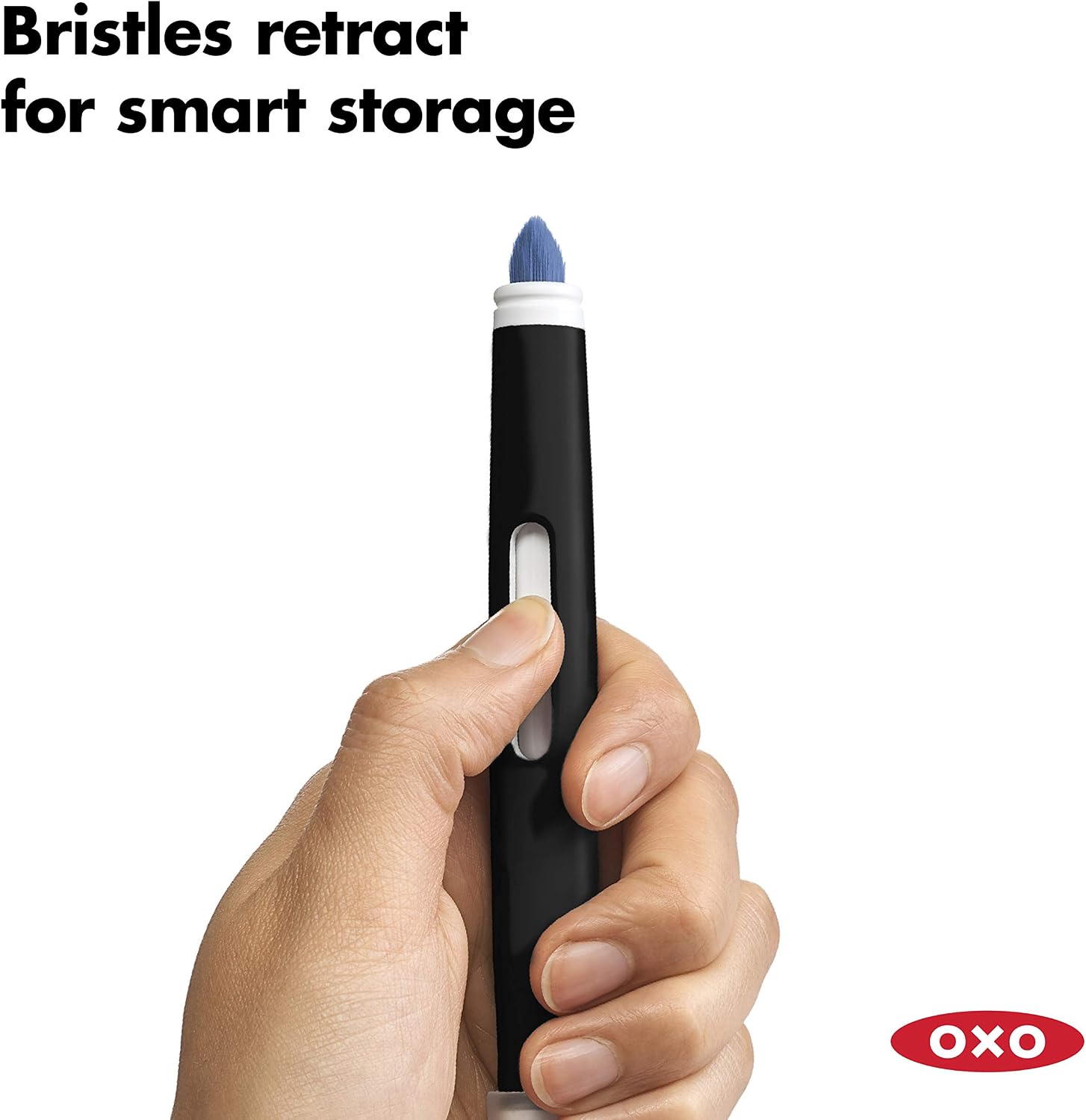
Which option fits your routine?
| Situation | Starting point | Tradeoff |
|---|---|---|
| Loose dust in accessible keyboard spaces | Consider the OXO brush | Collect displaced debris and follow device guidance |
| Fingerprints on a broad surface | Use the recommended cloth method | A small brush may add little |
| Sticky keys or liquid damage | Follow device support guidance | A surface brush is not a repair tool |
Amazon product and current listing

Check OXO Good Grips Electronics Cleaning Brush on Amazon. Confirm the selected model, seller, delivered price and return terms. This link identifies ASIN B0050B6CYW; it does not guarantee current stock.
Our buying decision
The OXO makes sense as a small dry-cleaning aid for accessible dust. It is not a complete electronics maintenance kit, and its silicone tip should not be treated as permission to probe ports or scrape delicate surfaces.
Explore Home Office ideas and Buying Guides. Related reading: Logitech Pebble Keys 2 K380s Review: A Keyboard for a Shared Small Desk?.
Sources and evidence limits
The linked Amazon listing supplies the product identity, photographs and listed features. Household scenarios and comparisons are editorial analysis. We have not measured durability, performance or user outcomes. We do not use star ratings as proof of quality. Additional source: OXO electronics cleaning brush.
Sources
- Amazon product listing — https://www.amazon.com/dp/B0050B6CYW
- OXO electronics cleaning brush — https://www.oxo.com/electronics-cleaning-brush.html