Disclosure: As an Amazon Associate, Small Home Rhythm may earn from qualifying purchases. Product availability and listing details can change.
A label maker can make a small home easier to reset—but only if the machine matches the labels you actually need. The useful differences are not decorative fonts. They are tape width, durability, app dependence, cutting, power, refill availability, and whether you want quick one-off labels or larger batches. For the broader setup, How to Build a Home Binder System That Actually Works in a Small Space is a useful next read.
What we compared
This is a research-based comparison, not a hands-on test. We compared the Brother P-touch CUBE Plus PT-P710BT, NIIMBOT B21, and DYMO LabelManager 160 using current manufacturer and retail information, with an emphasis on home organization. You may also find Best tri fold mattress small home guests useful for a closely related small-home problem.
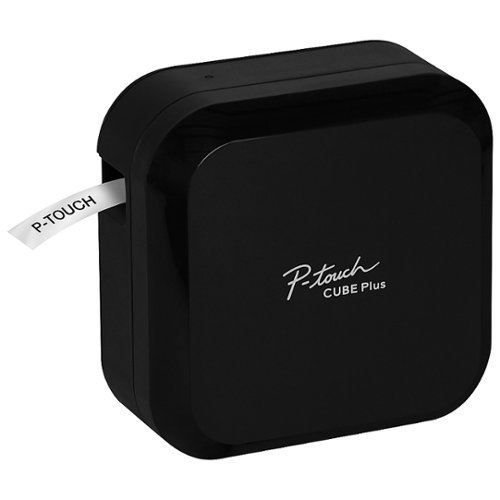
Brother P-touch CUBE Plus: best for durable, flexible home labels
The PT-P710BT supports Brother TZe laminated tapes up to 24 mm, Bluetooth/USB workflows, an automatic cutter, and a rechargeable battery. It suits pantry bins, storage boxes, cables, office folders, and other places where durable labels matter.
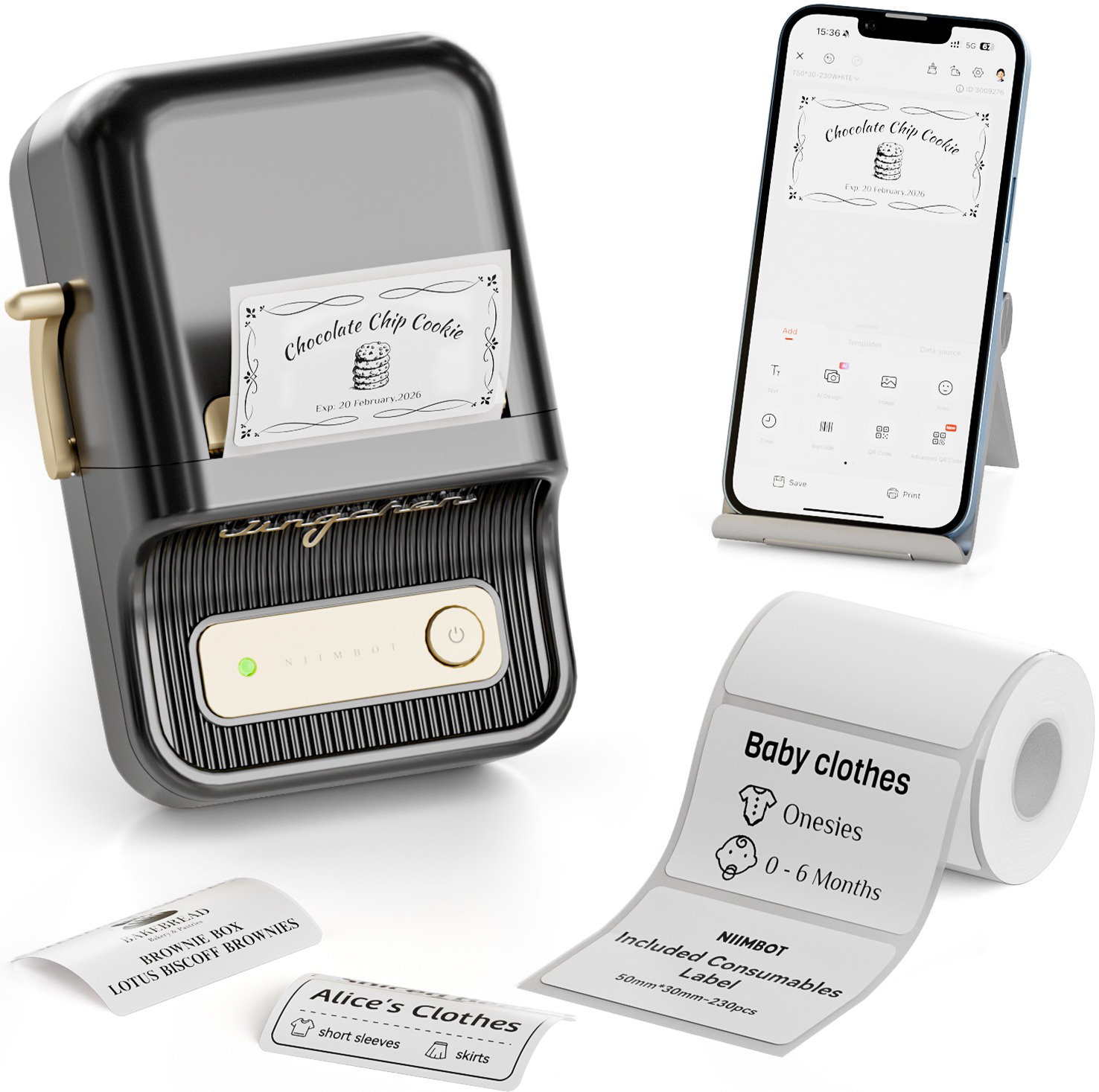
NIIMBOT B21: best for wide thermal sticker labels
The B21 is a compact Bluetooth thermal printer built around smartphone design. It works well for larger adhesive labels, bins, jars, craft storage, and simple barcode or QR-style organization when you prefer label rolls over cassette tape. You may also find Best compact dish drying racks for small kitchens useful for a closely related small-home problem.
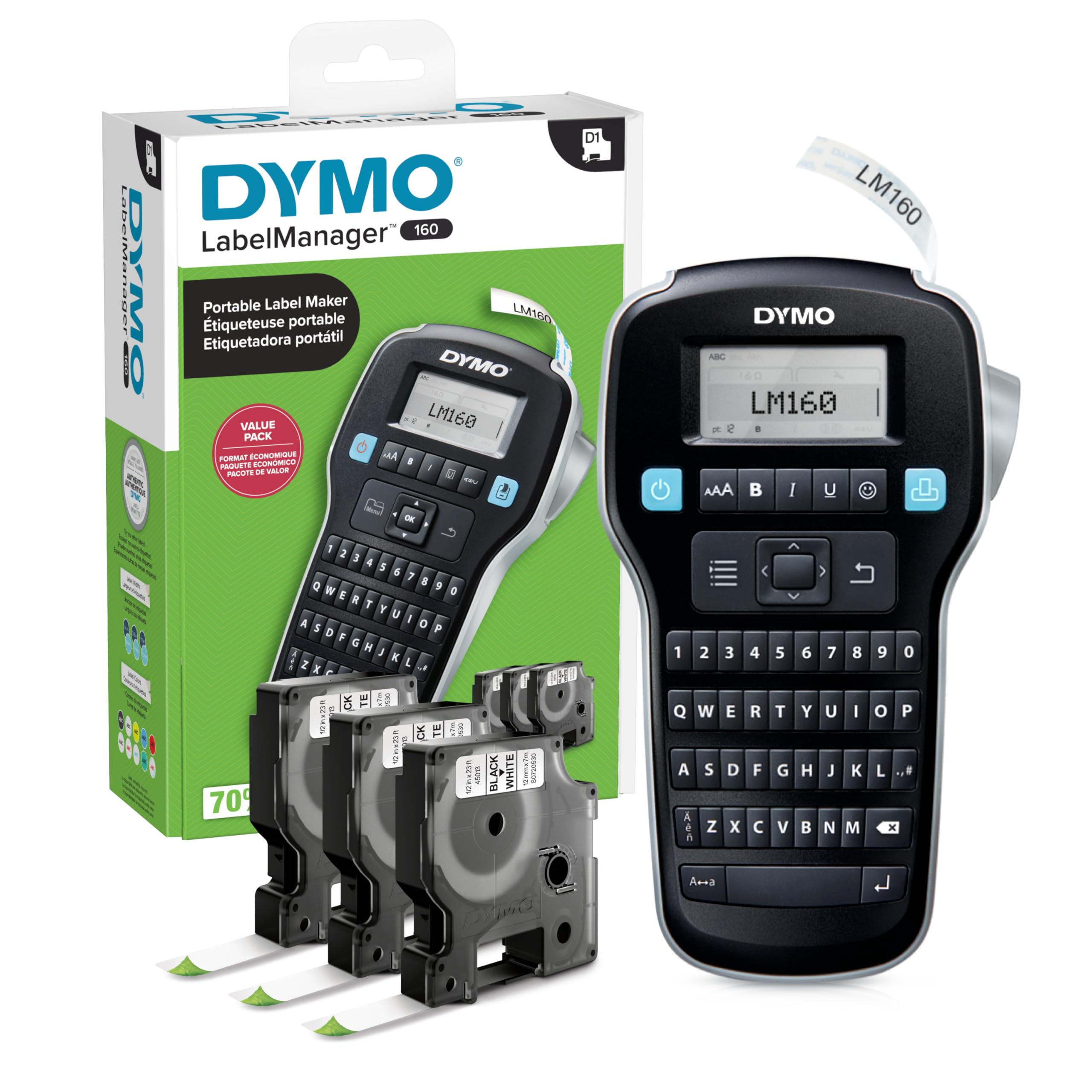
DYMO LabelManager 160: best for direct keyboard labeling
The LabelManager 160 uses a physical QWERTY keyboard and D1 label cassettes. It is a strong fit when you want to type and print without opening a phone app for every label.
Choose the label system before the printer
The ongoing decision is the refill ecosystem. Check width, material, adhesive type, color, availability, and cost before choosing the machine. A cheap printer with inconvenient refills is not a cheap long-term system.
App-first vs keyboard-first
Phone apps make icons, templates, and batch design easier but add connection and app-management friction. A physical keyboard is faster for a few simple labels but less flexible for complex layouts.
Use labels to reduce decisions, not add decoration
Label only where the label changes behavior: shared bins, ambiguous shelves, family categories, backstock, cables, or refill zones. A label maker should make returning items easier, not turn every object into a design project. You may also find Best under sink bathroom organizers small vanity useful for a closely related small-home problem.
Do not label unstable categories too early
Test the container and category for a week before printing permanent labels. If “snacks” becomes “school snacks” and “after-school snacks,” change the system first, then print.
Continue with Buying Guides
Browse Buying Guides. Home Office remains Room metadata until a verified hub exists.
My conclusion
Choose Brother for durable laminated versatility, NIIMBOT for wider thermal stickers and app-driven batches, or DYMO for fast keyboard-first labeling. The best machine is the one whose refill system and workflow you will still use six months from now.
Frequently asked questions
Do I need a label maker to be organized?
No. Handwritten labels work. A machine mainly improves repeatability, readability, and speed.
Are thermal labels the same as laminated tape?
No. Materials, durability, and refill systems differ. Match the media to the surface and environment.
Sources
- Brother PT-P710BT — https://www.brother-usa.com/p/office-home-label-makers/PTP710BT
- NIIMBOT B21 — https://www.amazon.com/dp/B09C1VWT2N
- DYMO LabelManager 160 — https://www.dymo.com/label-makers-printers/labelmanager-label-makers/dymo-labelmanager-160-portable-label-maker/SP_95477.html